
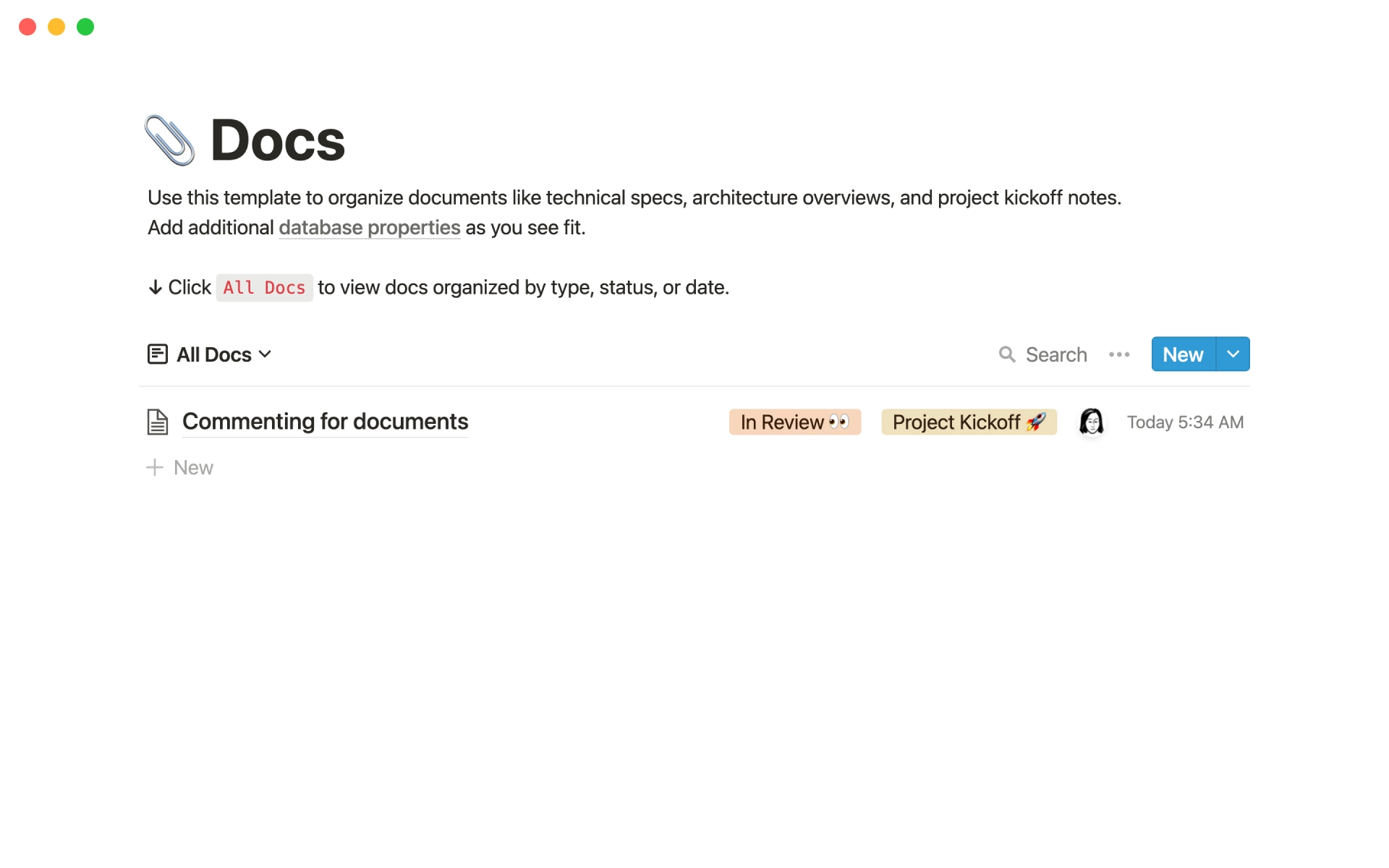
Engineering docs


0

$
0
FREE
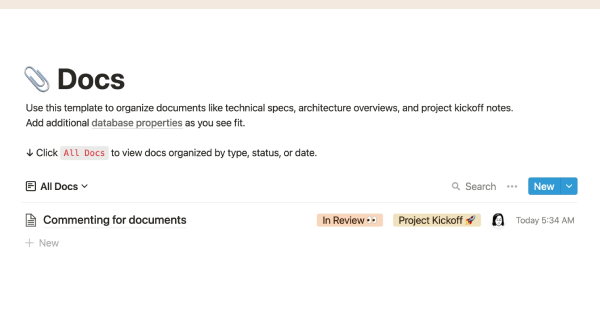
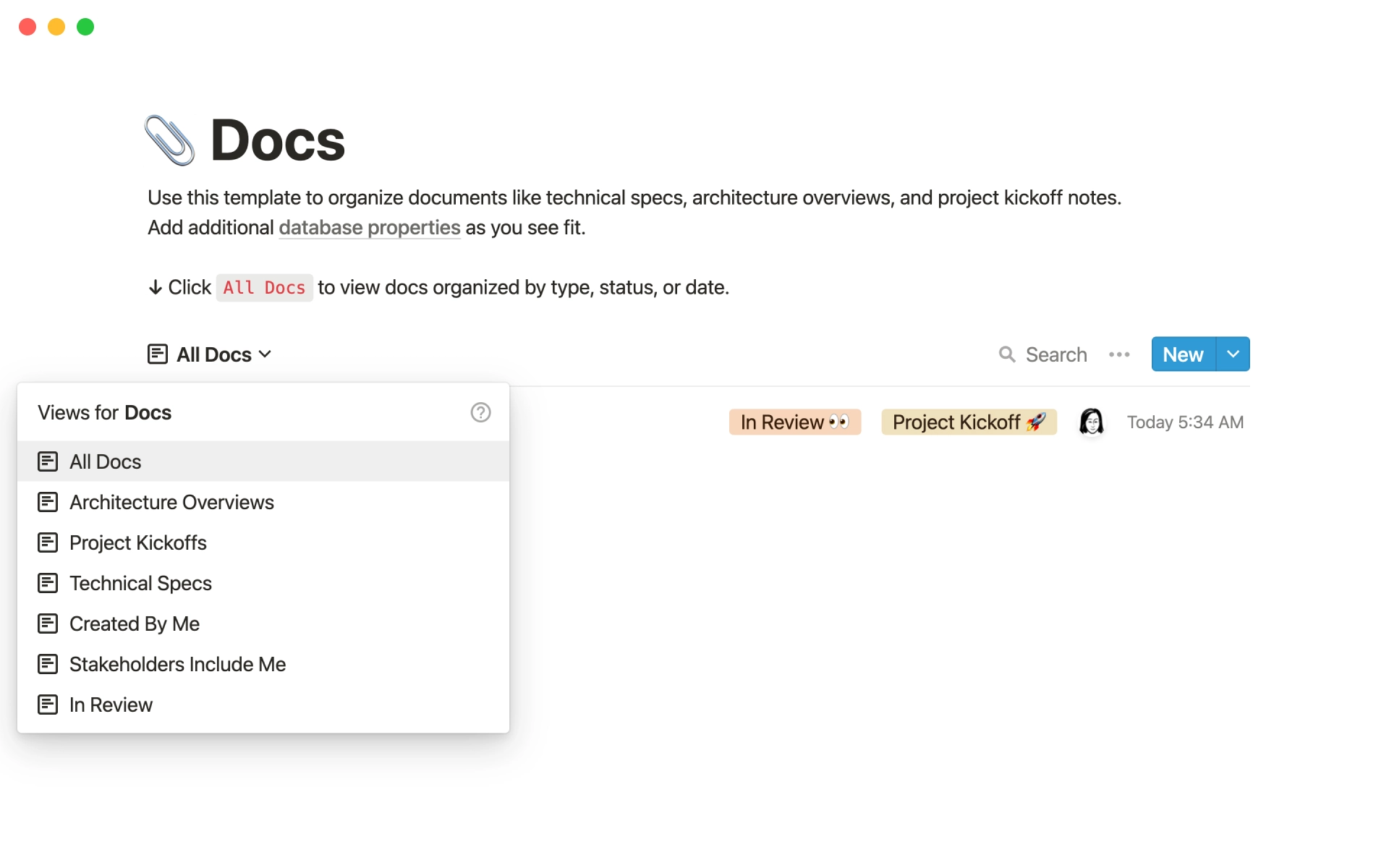
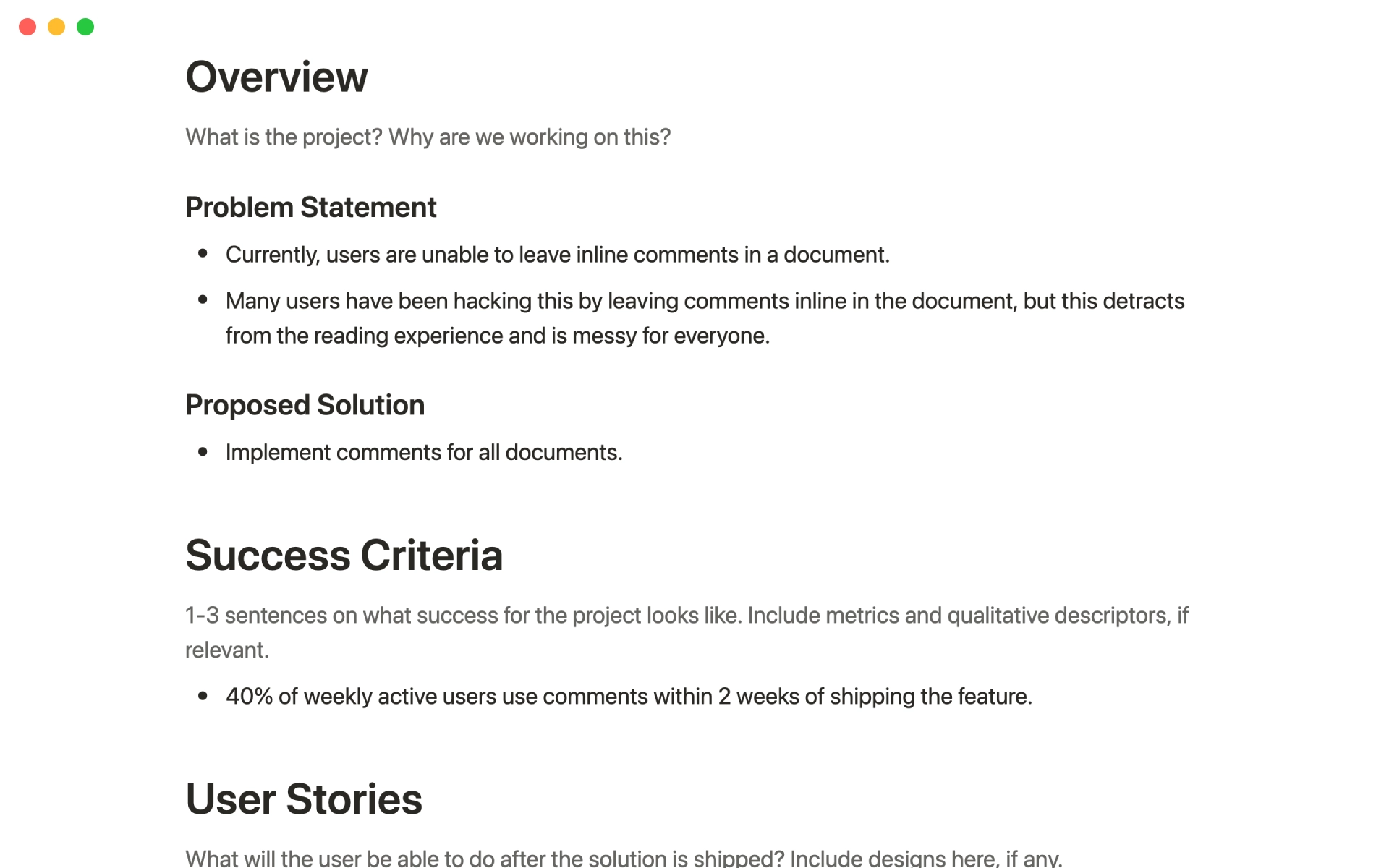
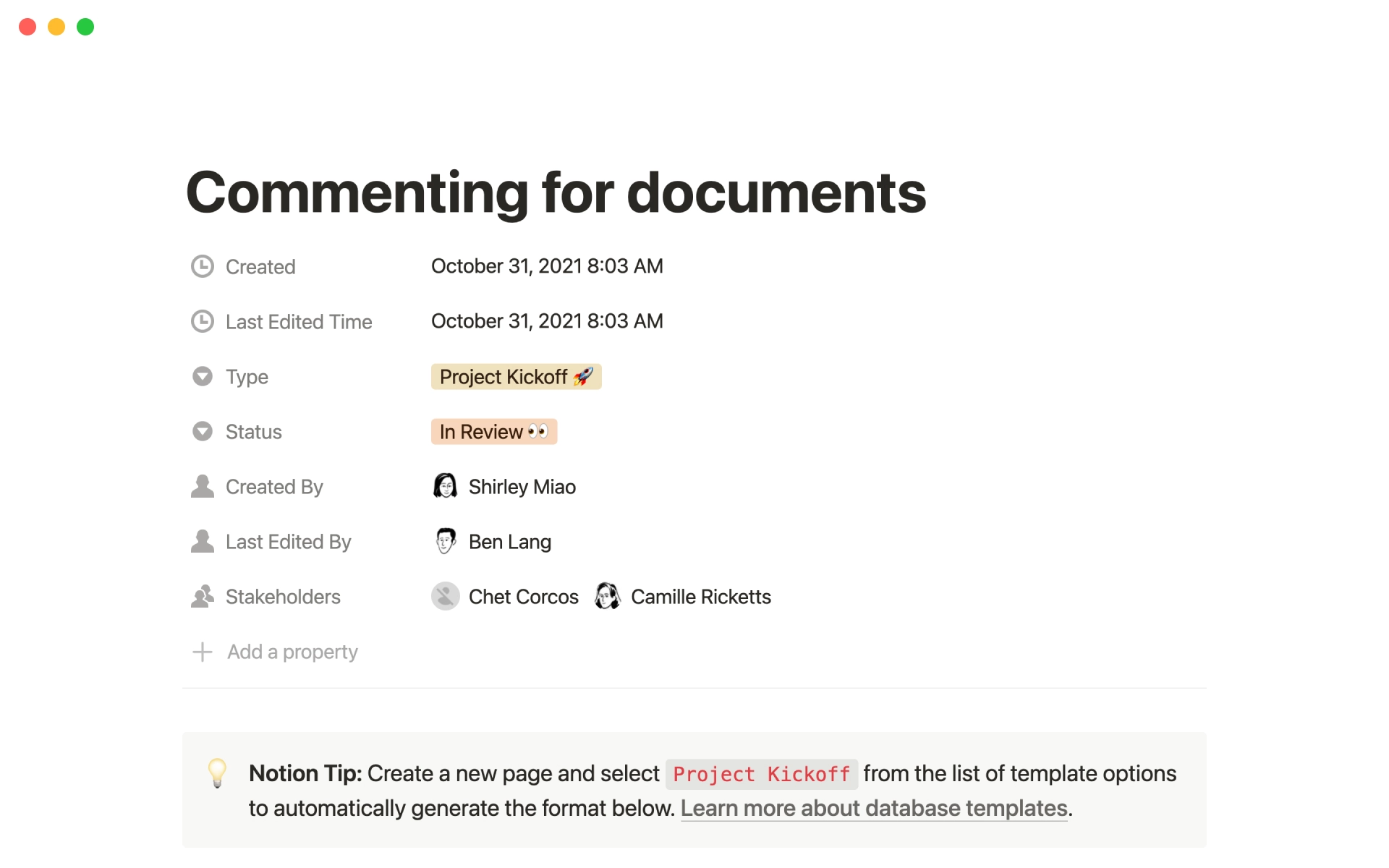
This template can be used to organize documents such as technical specifications, architecture overviews, and project kickoff notes. Effective team communication is all about transparency and making as much information available asynchronously as possible. This database allows you to quickly understand who created each document, when it was created, what type of document it is, and how to use it.

Details

Categories

More templates from
Notion
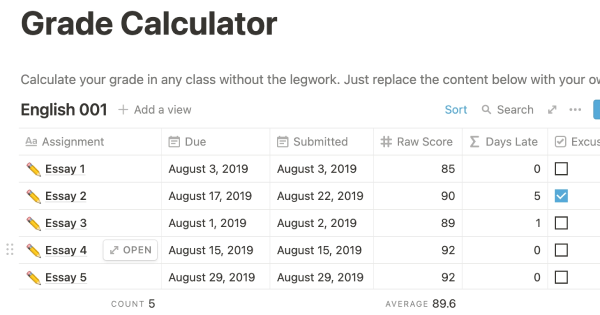
This template allows students to plan their semester or quarter by tracking the weight of assignments, exams, and projects towards their final grade. Students can enter their grades to see how they are doing and prioritize their time accordingly. The template includes formulas to automatically calculate and update the student's progress.
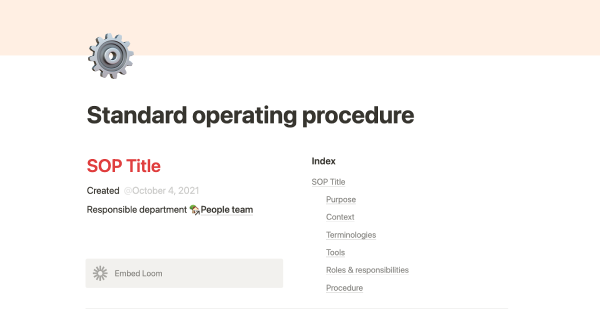
A standard operating procedure (SOP) is a document that outlines how certain tasks or processes should be carried out within a company. Although SOPs can be used for a variety of purposes, the most effective ones share certain characteristics. Here, we have outlined these characteristics to help your team customize this SOP to meet the needs of various departments.
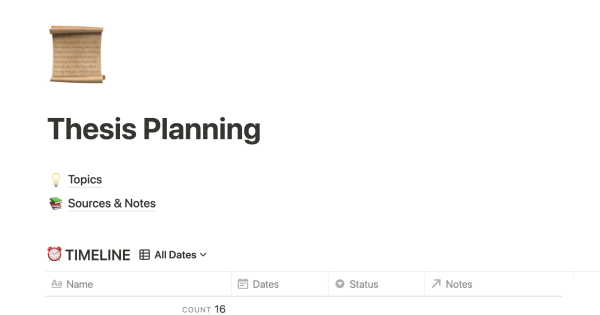
This product is designed to help you plan and write a thesis or dissertation. It includes features that can help you brainstorm and evaluate potential topics, keep track of your sources and notes, and stay on schedule with a timeline of due dates. You can also use this tool to draft your content in the same space, making it easy to keep everything organized and accessible. Overall, this product is intended to provide you with a comprehensive and convenient workspace for working on your thesis or dissertation.

As an interviewer, your goal should be to get to know your candidate and help them feel prepared and confident. That's why at Notion, we have created a guide to help you prepare for interviews with us. We have included tips and resources to help your candidate feel more at ease, as well as customizable templates for different roles and departments. By using these templates, you can provide your candidate with important information, such as videos, links, schedules, and more, to help them prepare for their interview.
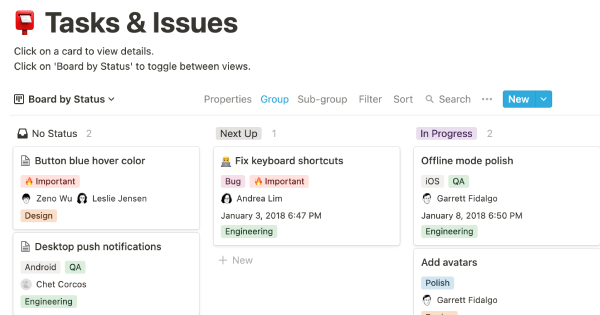
You can use this template to manage projects and issues for your whole team. Every member of your team can create new tasks, view the tasks they are assigned to, and track progress. Each card on the board can be opened into its own page to store research, notes, and even sub-tasks in the same place. You can also add tags to each card to designate department and priority, and add the people involved so that everyone knows what their colleagues are working on. This makes it easy to filter and find specific tasks.
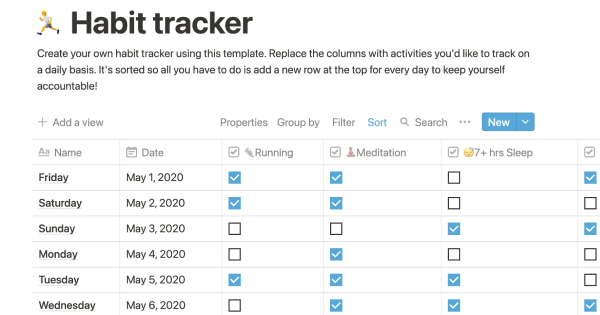
Track your habits and stay accountable by using this table. Simply replace the existing column titles with the habits you want to track. You can check off items, enter numerical data, or even write text to build a journaling habit. Each day, create a new row and record your progress. Use filters and sums to track your progress over time and monitor any trends. This table is great for daily challenges or keeping track of your habits.
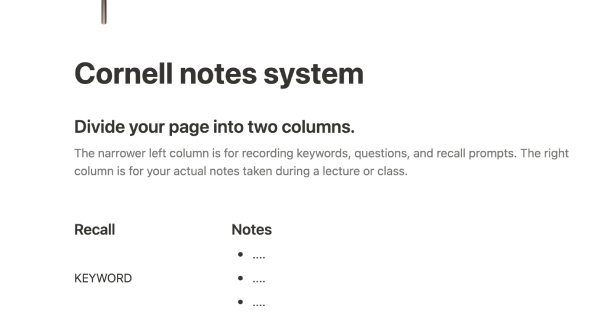
In the 1940s, Walter Pauk, a professor at Cornell University, created a new method of taking notes to help college students organize, condense, and understand the material they were learning. This system has been shown to be very effective as a learning tool. Here, we will explain how to use it in Notion.
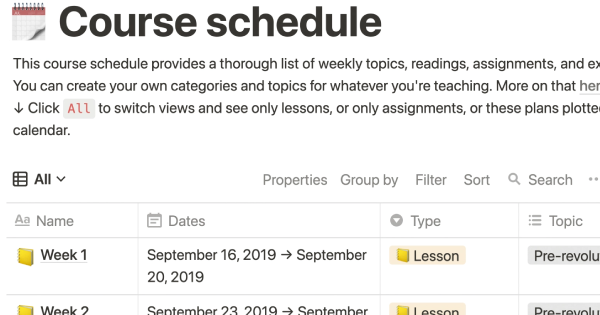
The following course schedule includes a comprehensive list of weekly topics, readings, assignments, and exams. This schedule allows you to create your own categories and topics for your own teaching purposes.
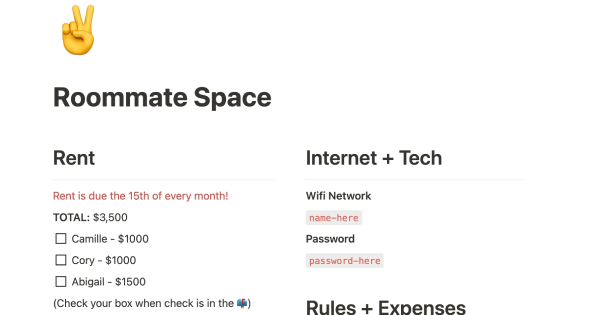
If you live with other people, this product can help you establish rules, track shared finances, ensure that everyone is happy with how the space is being used, and more. It's a convenient way to manage your home and maintain harmony among all residents.
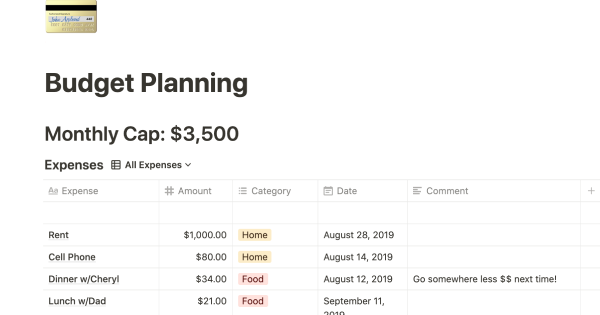
This product helps you track your spending and reach your financial goals. You can set a monthly budget and enter your expenses in the database. The filters allow you to view your expenses in different ways, such as by category or by month. You can also view your expenses on a calendar or in a Kanban-style board, broken down by category. This can give you a better understanding of your spending habits and help you make more informed financial decisions.
Related templates
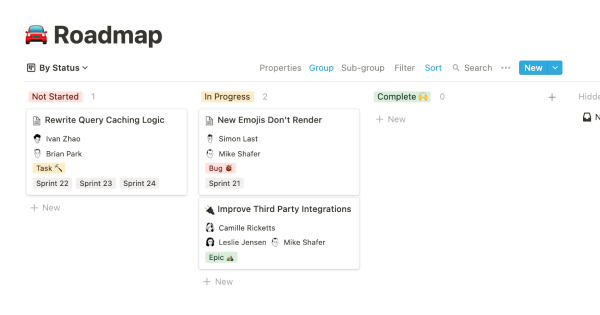
To keep track of your project work, try using this template. It allows you to organize your projects into epics, sprints, tasks, and bugs. You can view the database from different angles to see the status of projects, who is working on them, and which product managers are responsible for them. The template also includes pre-made templates for each type of task, which you can customize and add to as needed. Additionally, you can add custom properties to track important information relevant to your projects.
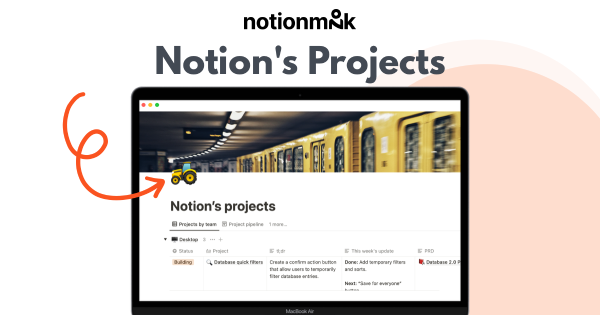
The Notion team uses this database to track all product and engineering work. Every project includes key information to help teams like Legal, Sales, and Marketing understand what is being shipped and why. The customizable properties allow us to track the status, project descriptions, and launch dates side by side. Within each project page, we embed a filtered view of the tasks related to that project, as well as link previews for Github and Figma. This way, all our work is kept in one place. This template is part of a larger product management system template - read more about how we use it in this blog post.
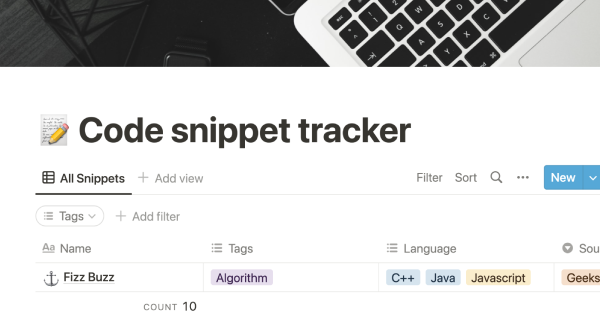
This tool allows you to organize and track your personal code snippets, as well as snippets that you find on the web. You can sort the snippets using tags that make sense to you or based on the programming language used. You can also attach an external URL to provide more context for each snippet. This can help you keep your code organized and make it easier to find and reuse snippets in the future.

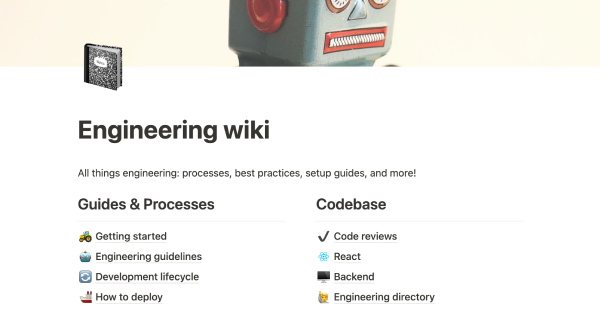
Every engineering team should have an engineering wiki in order to ship products quickly and with high quality. This template can serve as a single source of truth, helping to maintain consistency, promote good programming habits, and keep everyone on the same page.
You can use this template to manage projects and issues for your whole team. Every member of your team can create new tasks, view the tasks they are assigned to, and track progress. Each card on the board can be opened into its own page to store research, notes, and even sub-tasks in the same place. You can also add tags to each card to designate department and priority, and add the people involved so that everyone knows what their colleagues are working on. This makes it easy to filter and find specific tasks.
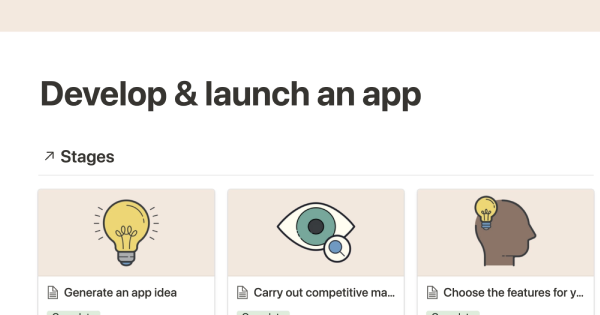
The purpose of this template is to demonstrate how to effectively use Notion's timeline view to manage and execute projects that have multiple stages, steps, or sub-tasks. This structure can be applied to a variety of projects, including product development and launch. By using this template, you can effectively plan and track your progress to ensure a successful outcome.

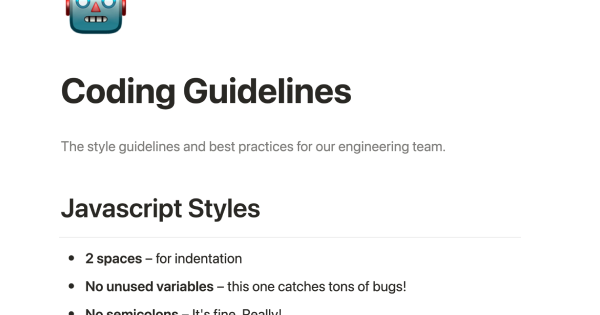
This page provides an accessible and concise set of rules for your engineering team's codebase, which can help new teammates get up to speed quickly. The page includes sections for Javascript Styles and Usage, complete with code blocks for inserting specific commands. You can also use this format for marketing, design, sales, or any other department's guidelines. Having clear and agreed-upon standards is a best practice for any team.
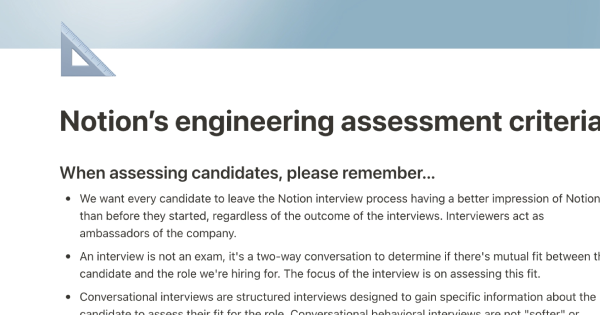
At Notion, we understand the importance of consistency in the interview process in order to accurately evaluate a candidate's skills. That's why we have created a thorough rubric to help us stay objective when hiring engineers. Use this template to filter assessment criteria by role, and get examples of good and bad signals during an interview. This template can help you improve your interview skills and find the right engineers for your company at any level.
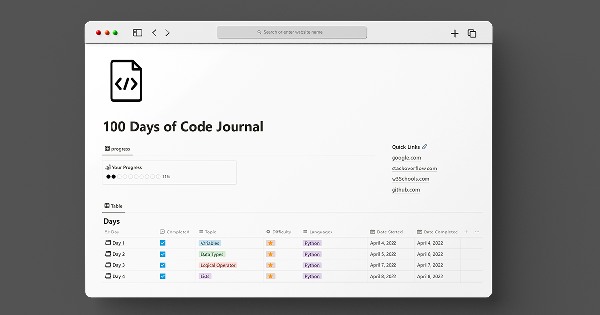
This 100 days of code template allows you to track your progress and build accountability. With all 100 days already set up in advance, all you need to do is fill in the topic, difficulty, and language for each day. You can also document what you've learned on each day's subpage to keep a record of your programming knowledge.

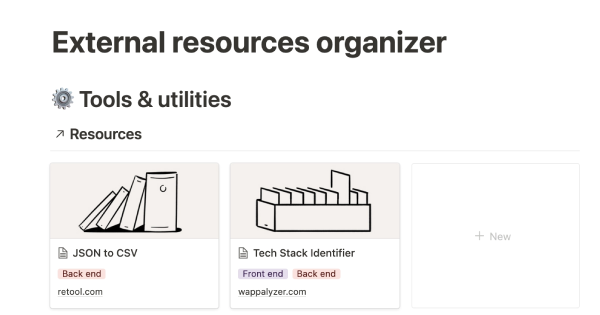
Acquiring a new skill can be a challenging and time-consuming process that requires a lot of organization and discipline. To help you manage the various materials you might be using to learn and practice, the team at Codecademy (a platform that helps anyone learn to code) has created an external resources organizer. This template allows you to log all of the books, videos, courses, and other resources that you want to save, and provides easy access to frequently used tools and documents. It also helps you keep track of interesting research and articles that you come across.