
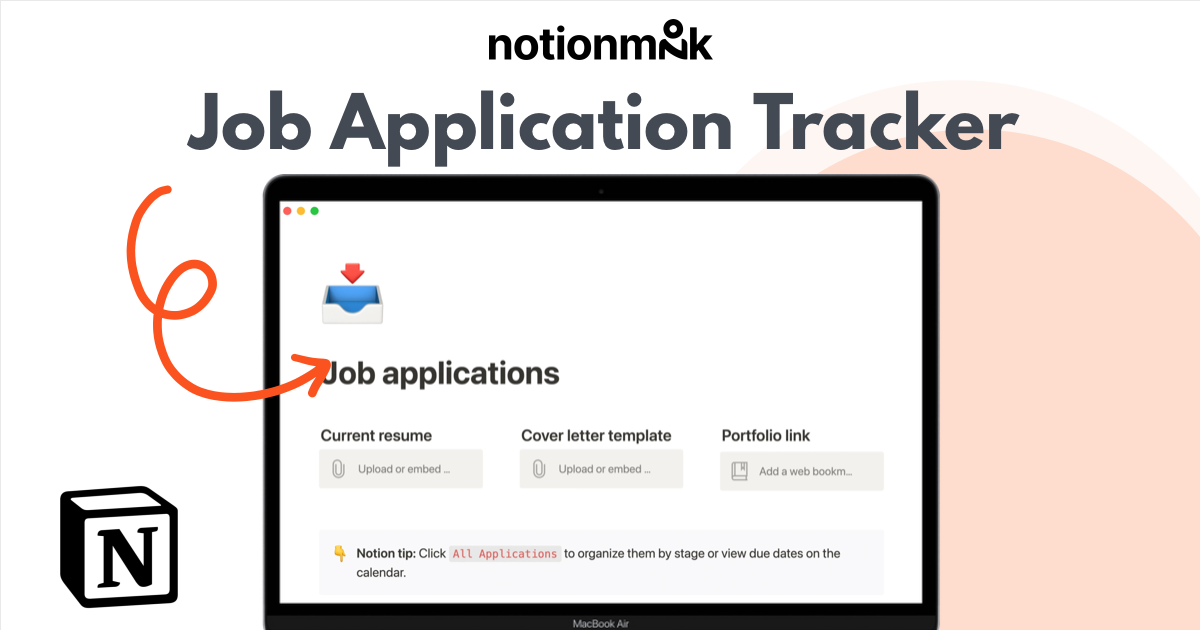
Job application tracker


1


$
0
FREE
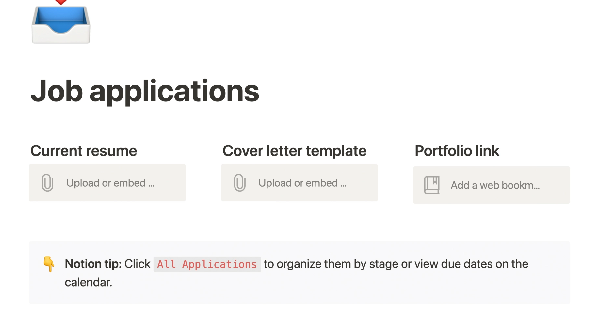
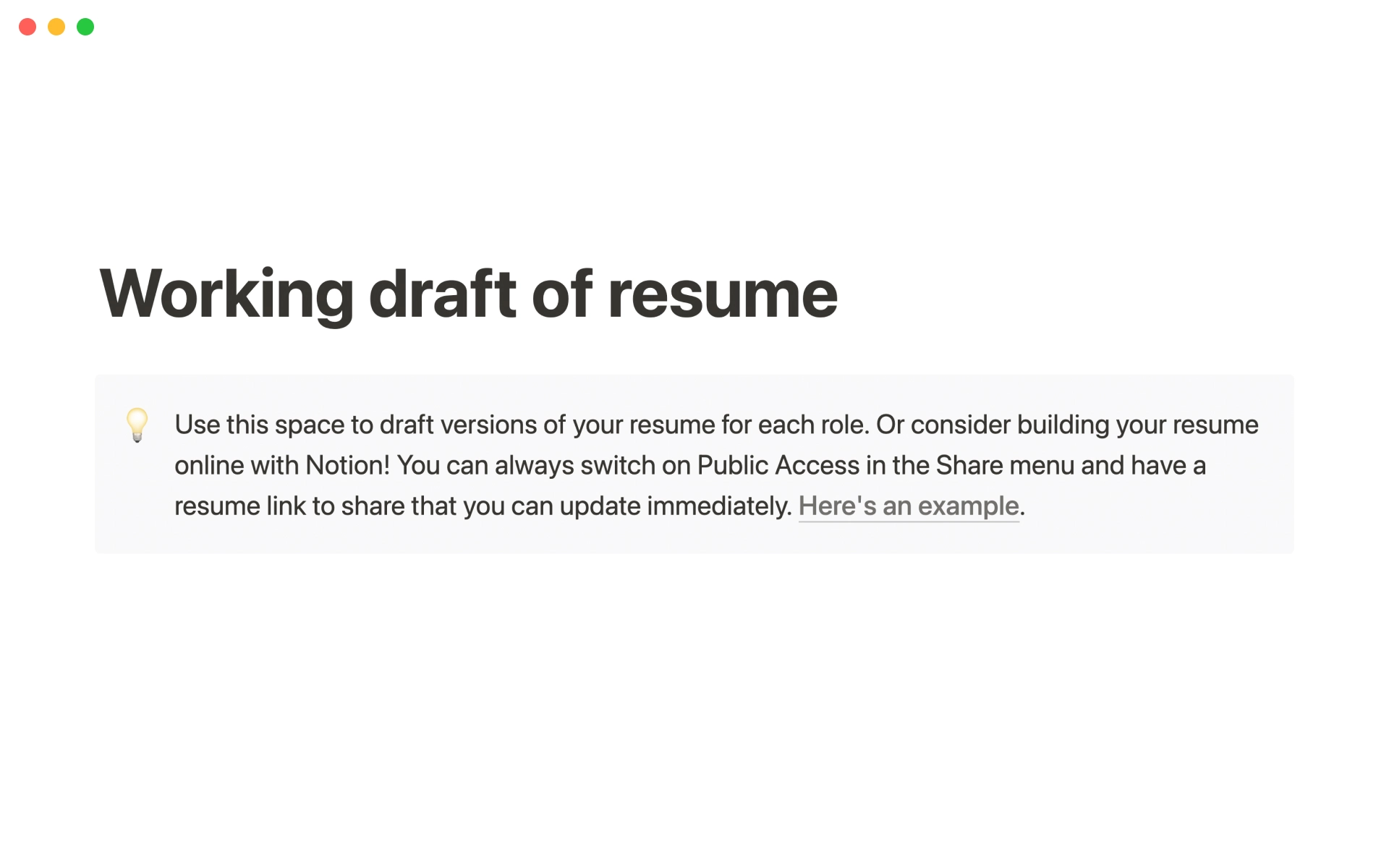
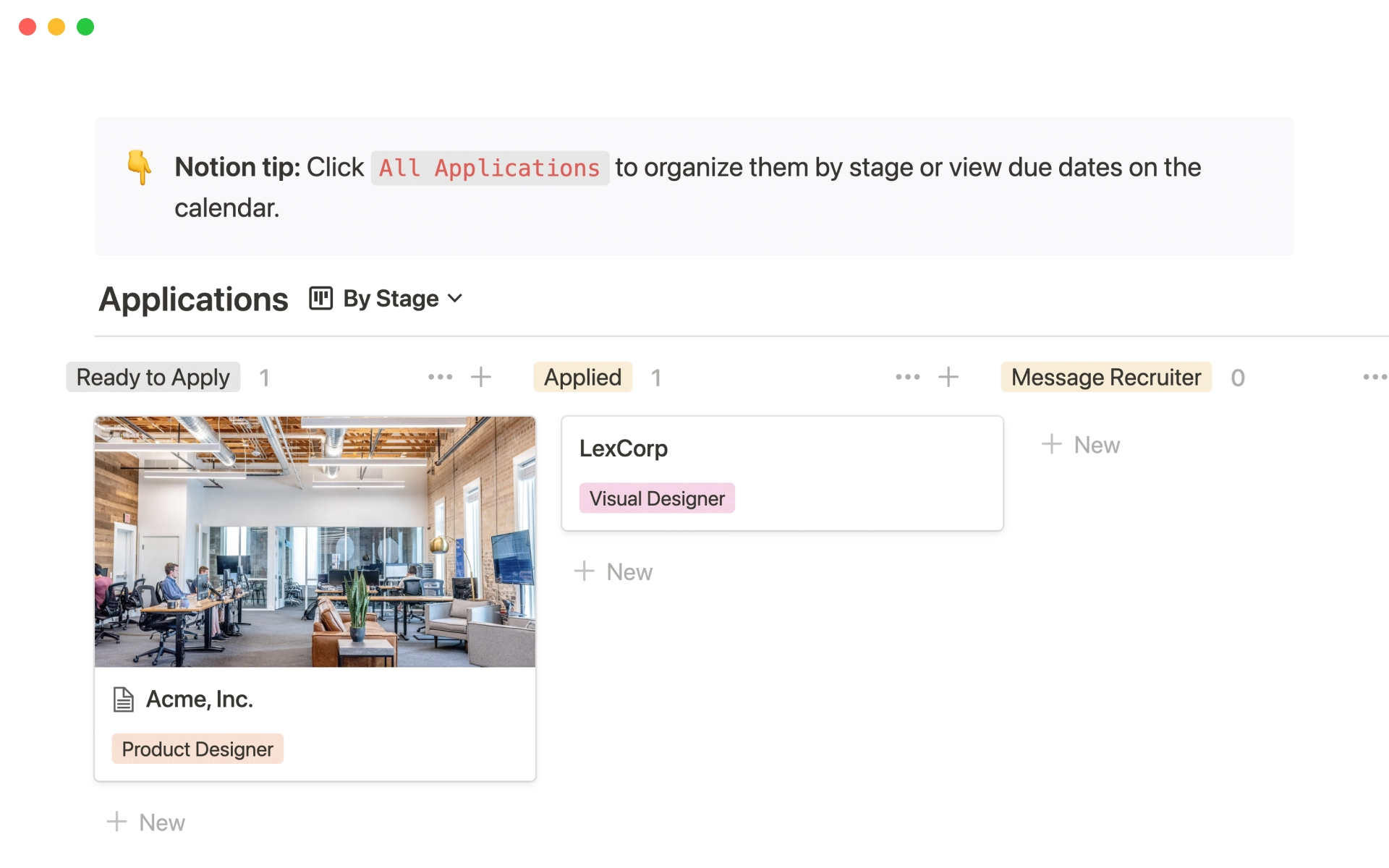
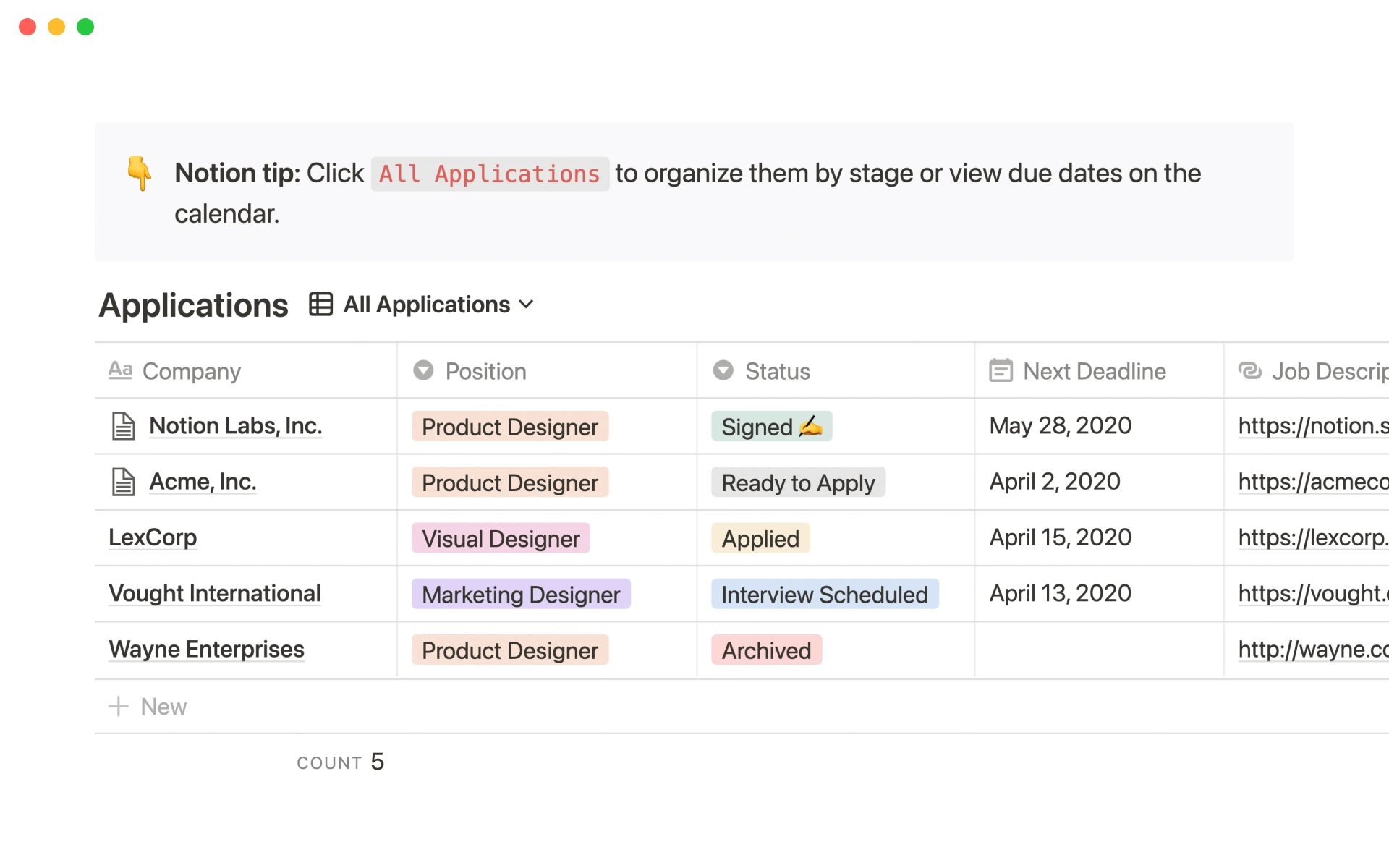
This product allows you to manage the entire job application process on one page. You can organize your resume, cover letter, and portfolio for easy access, and keep track of companies you've applied to with statuses and deadlines. You can sort or filter your applications by stage or due date on a calendar, and take notes on the company, position, hiring manager, your personal preferences, and anything else you need to remember during the application and interviewing process. This can help you stay organized and on top of your job search.


More templates from
Notion
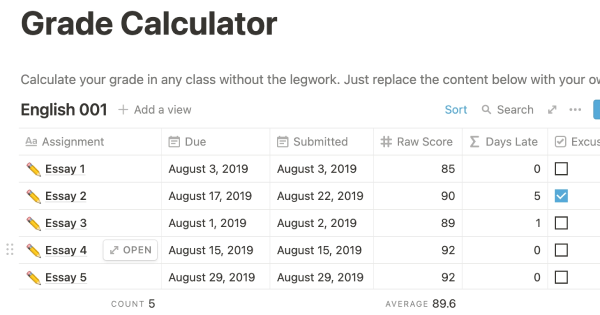
This template allows students to plan their semester or quarter by tracking the weight of assignments, exams, and projects towards their final grade. Students can enter their grades to see how they are doing and prioritize their time accordingly. The template includes formulas to automatically calculate and update the student's progress.
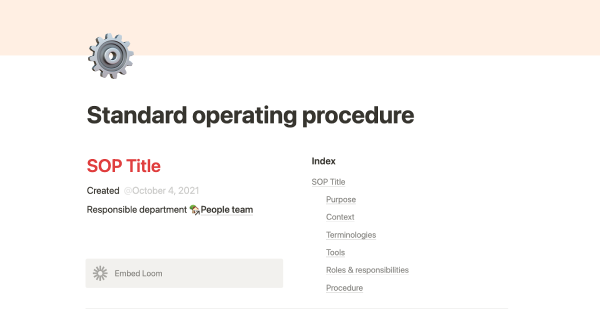
A standard operating procedure (SOP) is a document that outlines how certain tasks or processes should be carried out within a company. Although SOPs can be used for a variety of purposes, the most effective ones share certain characteristics. Here, we have outlined these characteristics to help your team customize this SOP to meet the needs of various departments.
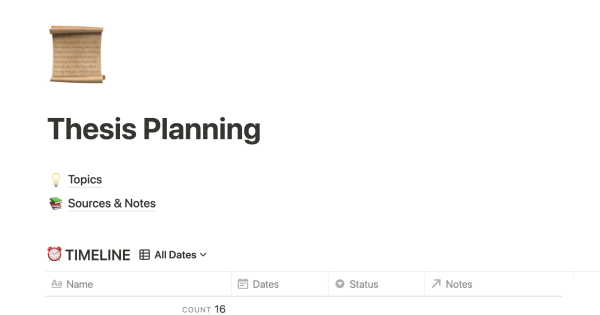
This product is designed to help you plan and write a thesis or dissertation. It includes features that can help you brainstorm and evaluate potential topics, keep track of your sources and notes, and stay on schedule with a timeline of due dates. You can also use this tool to draft your content in the same space, making it easy to keep everything organized and accessible. Overall, this product is intended to provide you with a comprehensive and convenient workspace for working on your thesis or dissertation.

As an interviewer, your goal should be to get to know your candidate and help them feel prepared and confident. That's why at Notion, we have created a guide to help you prepare for interviews with us. We have included tips and resources to help your candidate feel more at ease, as well as customizable templates for different roles and departments. By using these templates, you can provide your candidate with important information, such as videos, links, schedules, and more, to help them prepare for their interview.
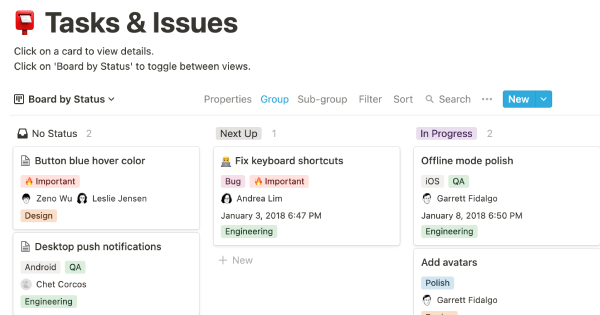
You can use this template to manage projects and issues for your whole team. Every member of your team can create new tasks, view the tasks they are assigned to, and track progress. Each card on the board can be opened into its own page to store research, notes, and even sub-tasks in the same place. You can also add tags to each card to designate department and priority, and add the people involved so that everyone knows what their colleagues are working on. This makes it easy to filter and find specific tasks.
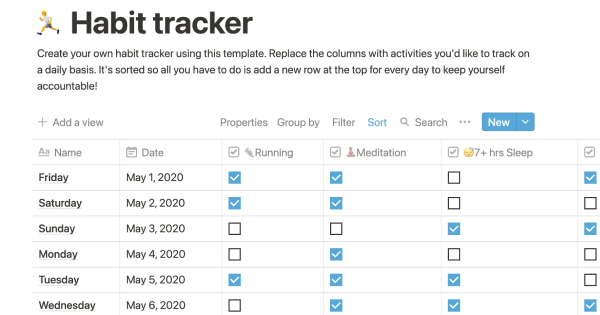
Track your habits and stay accountable by using this table. Simply replace the existing column titles with the habits you want to track. You can check off items, enter numerical data, or even write text to build a journaling habit. Each day, create a new row and record your progress. Use filters and sums to track your progress over time and monitor any trends. This table is great for daily challenges or keeping track of your habits.
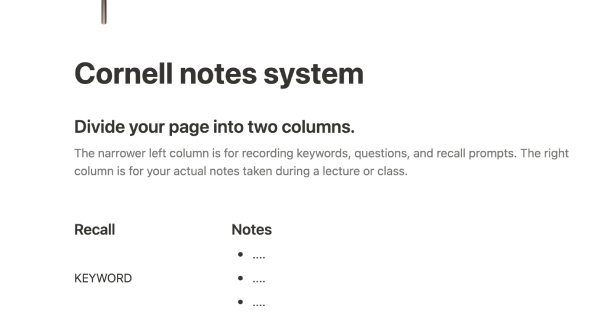
In the 1940s, Walter Pauk, a professor at Cornell University, created a new method of taking notes to help college students organize, condense, and understand the material they were learning. This system has been shown to be very effective as a learning tool. Here, we will explain how to use it in Notion.
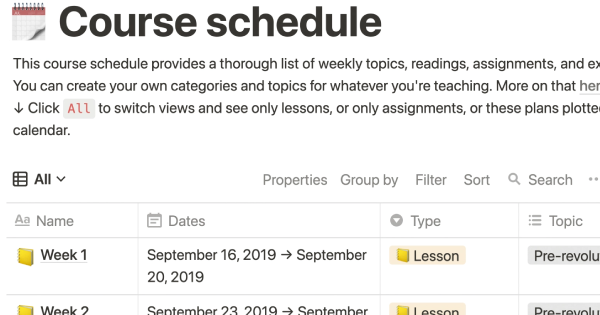
The following course schedule includes a comprehensive list of weekly topics, readings, assignments, and exams. This schedule allows you to create your own categories and topics for your own teaching purposes.
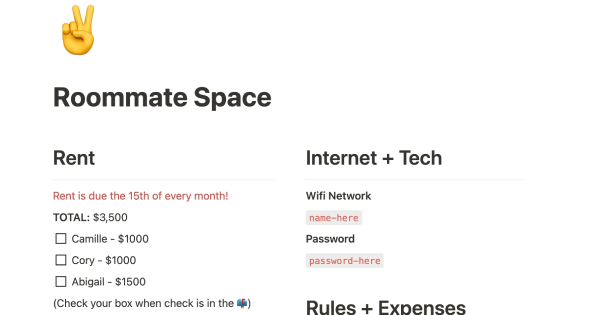
If you live with other people, this product can help you establish rules, track shared finances, ensure that everyone is happy with how the space is being used, and more. It's a convenient way to manage your home and maintain harmony among all residents.
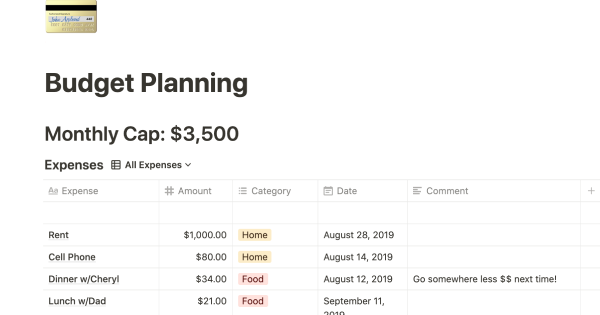
This product helps you track your spending and reach your financial goals. You can set a monthly budget and enter your expenses in the database. The filters allow you to view your expenses in different ways, such as by category or by month. You can also view your expenses on a calendar or in a Kanban-style board, broken down by category. This can give you a better understanding of your spending habits and help you make more informed financial decisions.
Related templates
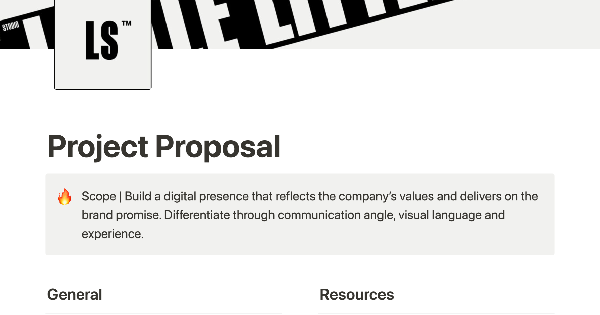
To create a professional proposal for a new project, it can be helpful to gather all relevant content in one place and share it with your team and client. This can make it easier to communicate with agencies, freelancers, and clients and ensure that everyone is on the same page. A well-written proposal can help set the tone for the project and establish a clear plan of action.

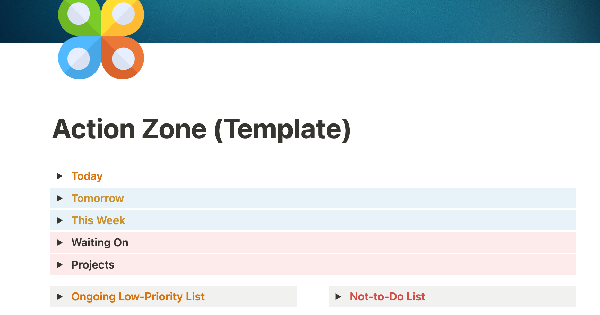
These Notion templates are part of a comprehensive performance system designed to improve the lives of individuals and teams. The creator of the system has been teaching it for years, and has seen it enhance the lives of many people. Notion empowers the system in a way that no other software has been able to, making it even more effective and user-friendly. By using these templates, users can implement the system in their own lives and see the benefits for themselves.

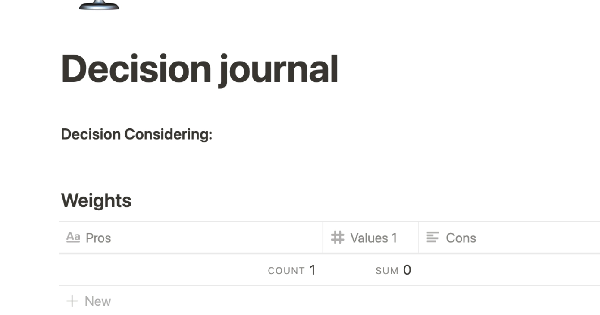
This template is designed to help you make big decisions in your life. It offers a structured way to weigh the pros and cons, conduct an emotional audit of your choices, and answer key questions. This tool can be useful for making big decisions and reviewing your choices six months later. It offers a methodical approach to decision making that can help you consider all factors and make the best choice.

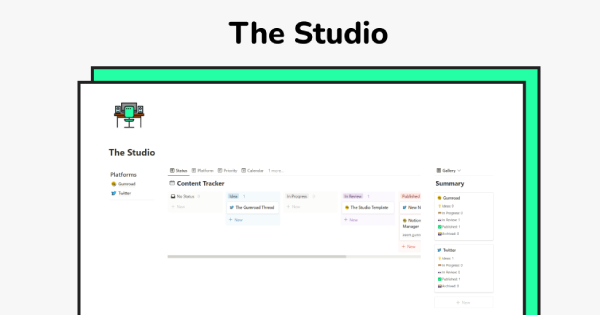
The Creator Studio is a template designed for Twitter and Gumroad content creators. It helps users enhance their productivity and improve their content by providing a way to manage, track, arrange, and organize their ideas for seamless day-to-day posting.

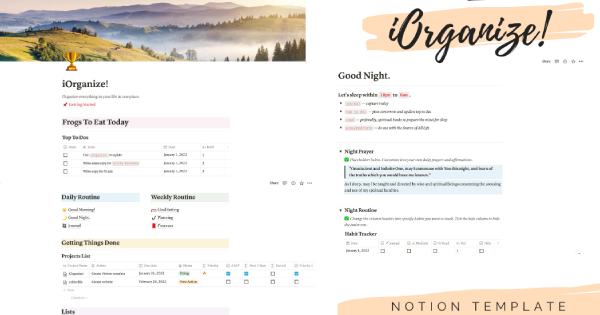
This board is designed to help you organize all aspects of your life in one place, from brainstorming ideas to planning projects. With this tool, you can stay productive and consistent in achieving your goals.

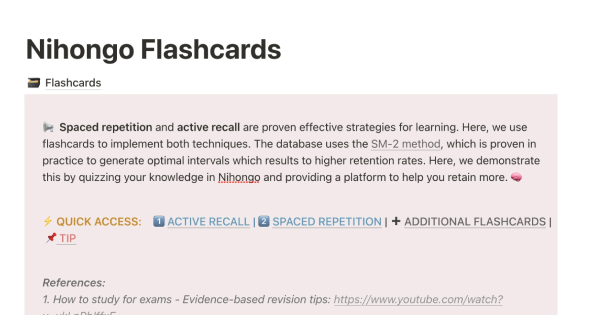
This template is designed to help students improve their learning through the use of spaced repetition and active recall. By storing all their notes in a single flashcard database and using the workflow outlined in the template, the cards will be reviewed using the SM-2 algorithm. This is similar to how Anki works, and allows students to keep all their notes and study processes within Notion.

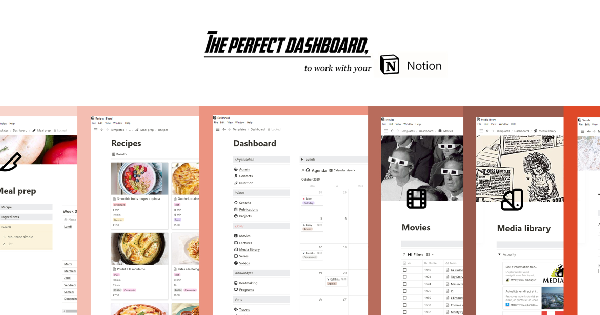
We are excited to introduce a fantastic dashboard that can help you manage your life within the Notion app. With its three-column layout, this dashboard template enables you to organize and track every aspect of your projects and data. We believe it is the best dashboard you will ever see.

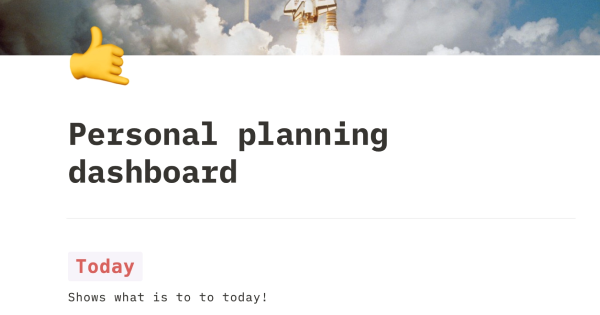
This comprehensive personal planner template is a great tool to help you organize your projects and tasks, set deadlines, focus on what's due today, and plan for the future. It provides a comprehensive way to keep track of all your responsibilities and goals.

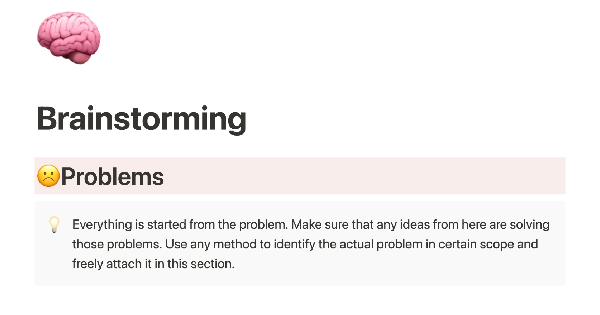
Boost your brainstorming with this template from [company name]. It will help guide you through the process, from identifying the problem and your users' needs, to drafting ideas and planning your next steps for execution and implementation.
This template is designed to help your company manage projects from start to finish. It is project-based, so all tasks, schedules, and notes are linked to the relevant project. It also allows you to manage your team members' time within each project.