
Notion's agency hub


0


$
0
FREE
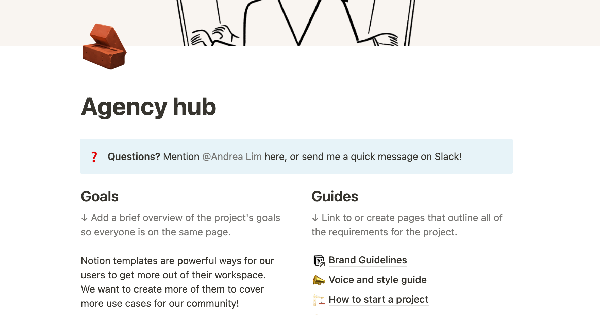
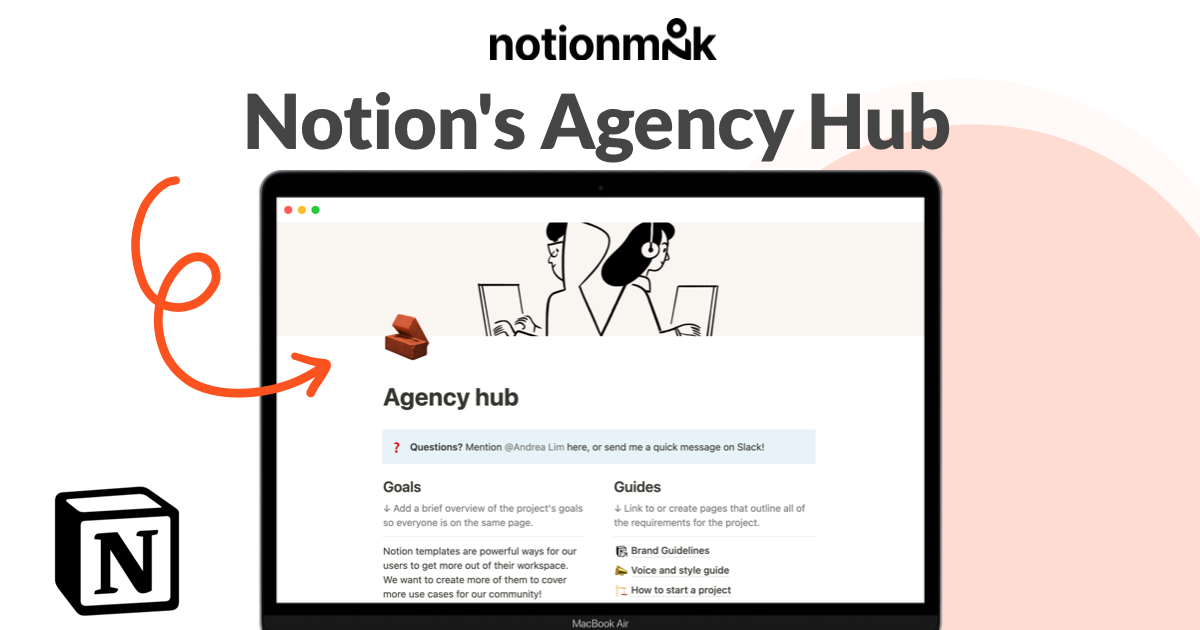
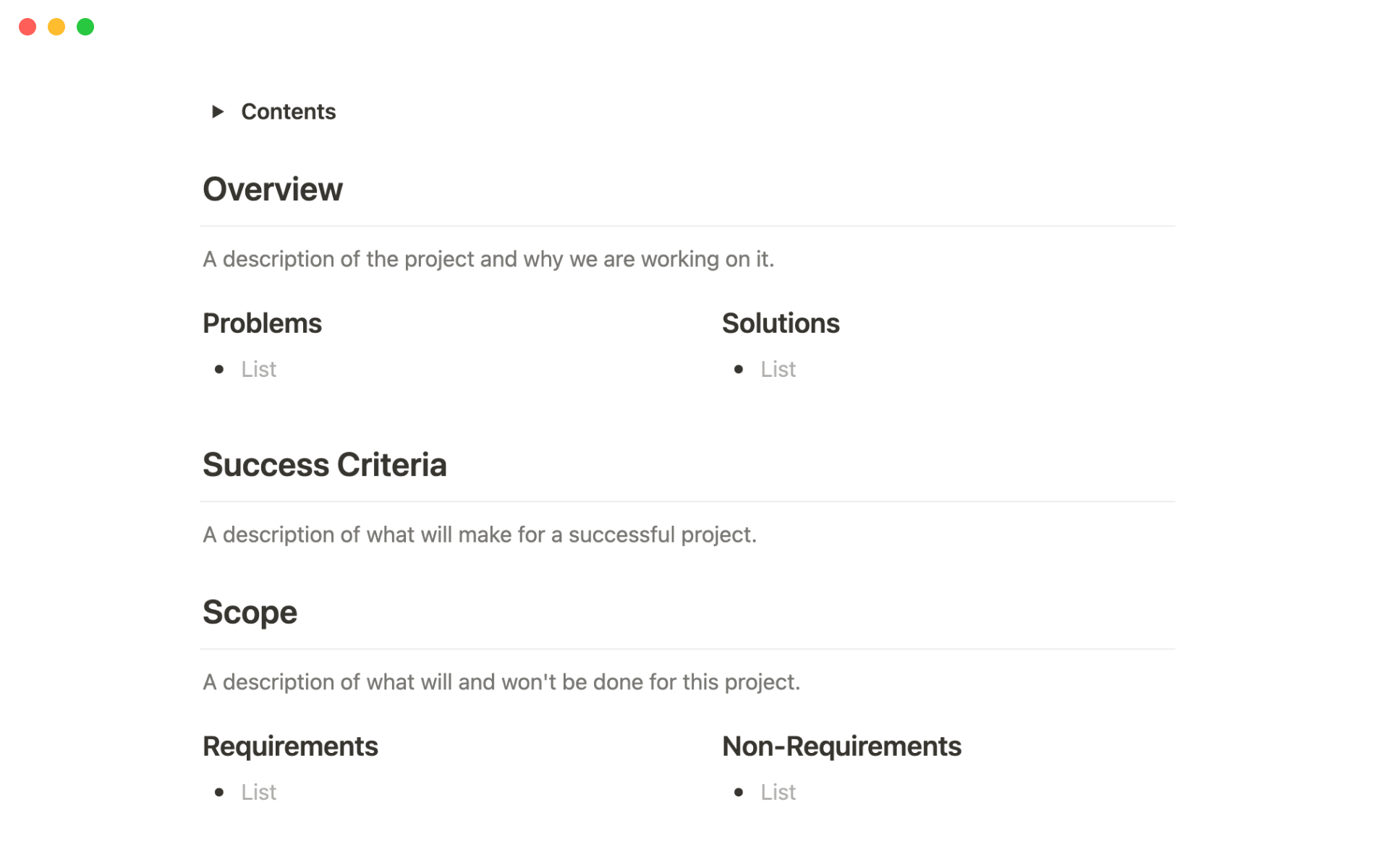
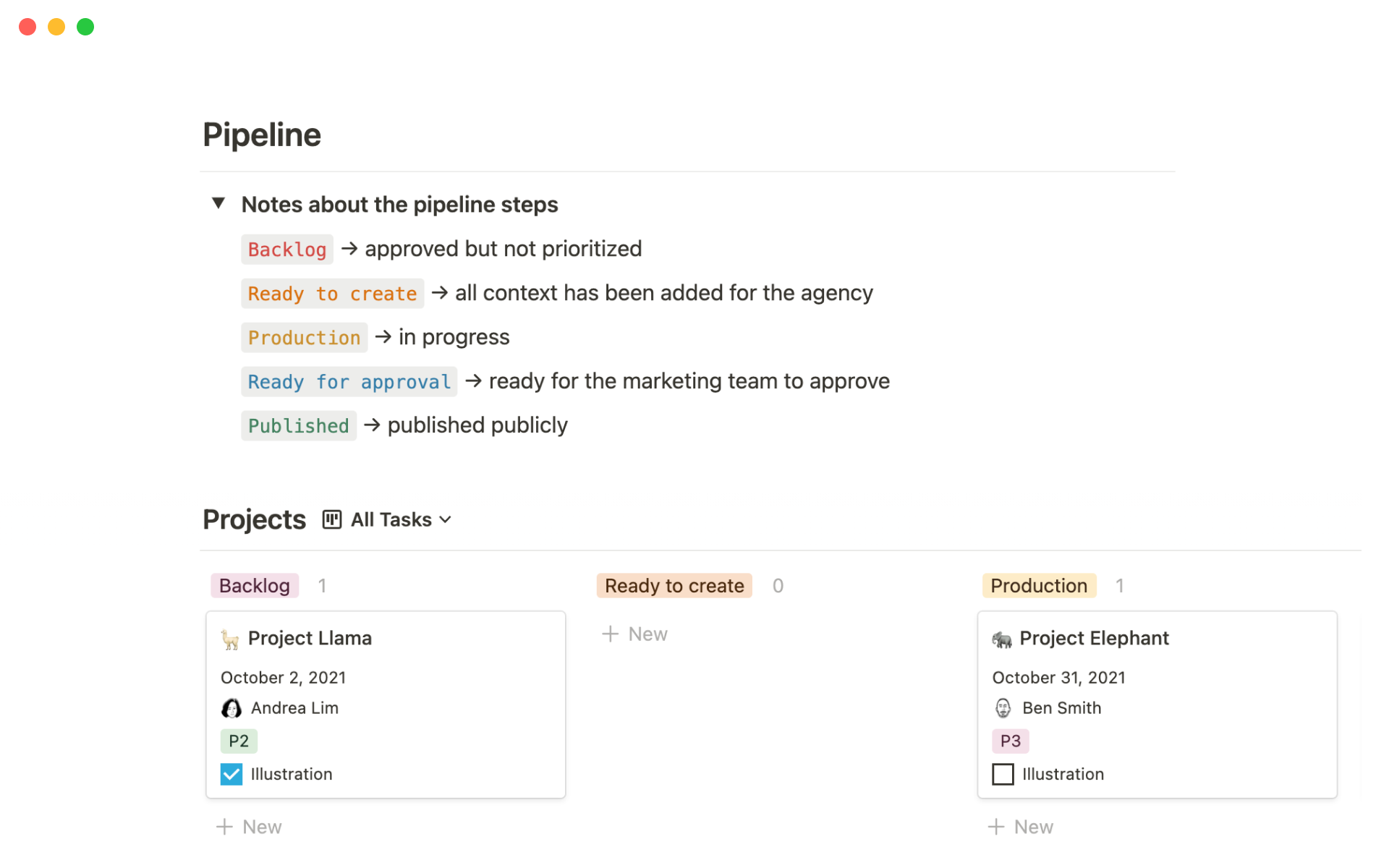
To effectively integrate contractors into your team, provide them with the same resources and information as you would for a new internal team member. This may include access to brand guidelines, product training, details about internal processes, and context about the specific projects they will be working on. Using a central location, such as a template or wiki, can help ensure that contractors have all the necessary information and can work transparently with your team. This will enable both sides to collaborate effectively and produce their best work.

Details

Categories

More templates from
Notion
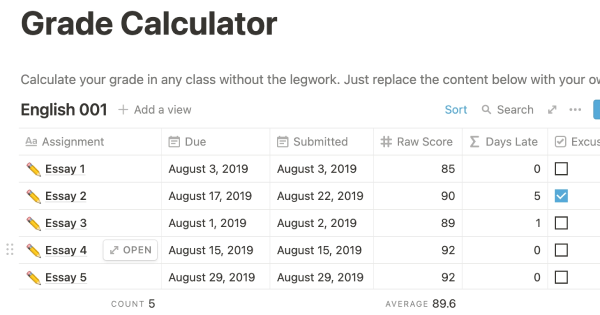
This template allows students to plan their semester or quarter by tracking the weight of assignments, exams, and projects towards their final grade. Students can enter their grades to see how they are doing and prioritize their time accordingly. The template includes formulas to automatically calculate and update the student's progress.
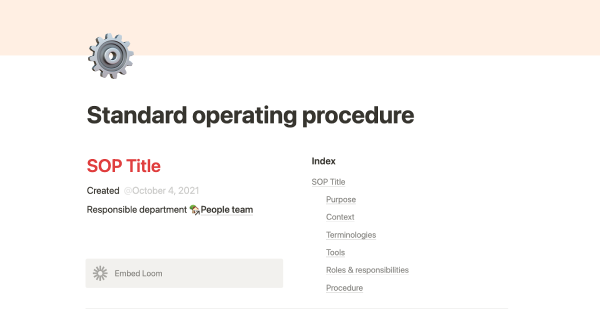
A standard operating procedure (SOP) is a document that outlines how certain tasks or processes should be carried out within a company. Although SOPs can be used for a variety of purposes, the most effective ones share certain characteristics. Here, we have outlined these characteristics to help your team customize this SOP to meet the needs of various departments.
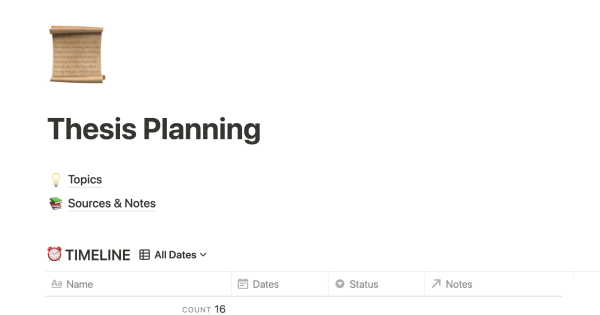
This product is designed to help you plan and write a thesis or dissertation. It includes features that can help you brainstorm and evaluate potential topics, keep track of your sources and notes, and stay on schedule with a timeline of due dates. You can also use this tool to draft your content in the same space, making it easy to keep everything organized and accessible. Overall, this product is intended to provide you with a comprehensive and convenient workspace for working on your thesis or dissertation.
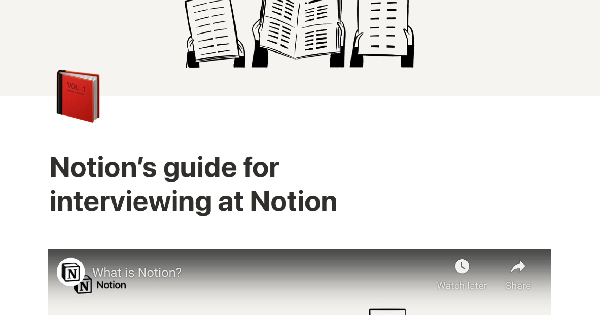
As an interviewer, your goal should be to get to know your candidate and help them feel prepared and confident. That's why at Notion, we have created a guide to help you prepare for interviews with us. We have included tips and resources to help your candidate feel more at ease, as well as customizable templates for different roles and departments. By using these templates, you can provide your candidate with important information, such as videos, links, schedules, and more, to help them prepare for their interview.
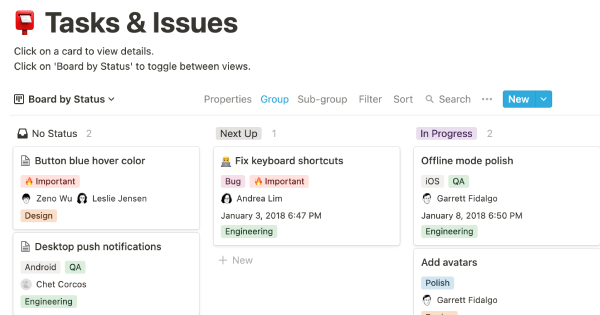
You can use this template to manage projects and issues for your whole team. Every member of your team can create new tasks, view the tasks they are assigned to, and track progress. Each card on the board can be opened into its own page to store research, notes, and even sub-tasks in the same place. You can also add tags to each card to designate department and priority, and add the people involved so that everyone knows what their colleagues are working on. This makes it easy to filter and find specific tasks.
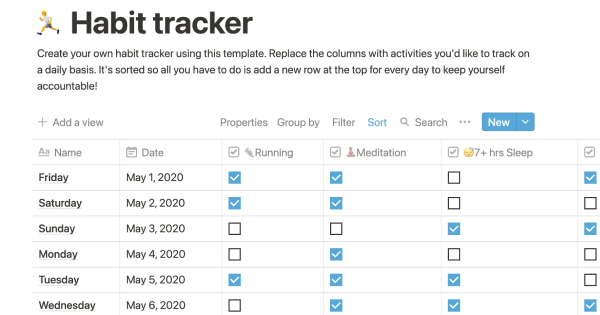
Track your habits and stay accountable by using this table. Simply replace the existing column titles with the habits you want to track. You can check off items, enter numerical data, or even write text to build a journaling habit. Each day, create a new row and record your progress. Use filters and sums to track your progress over time and monitor any trends. This table is great for daily challenges or keeping track of your habits.
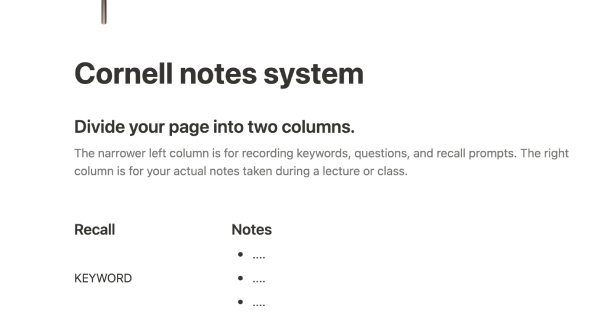
In the 1940s, Walter Pauk, a professor at Cornell University, created a new method of taking notes to help college students organize, condense, and understand the material they were learning. This system has been shown to be very effective as a learning tool. Here, we will explain how to use it in Notion.
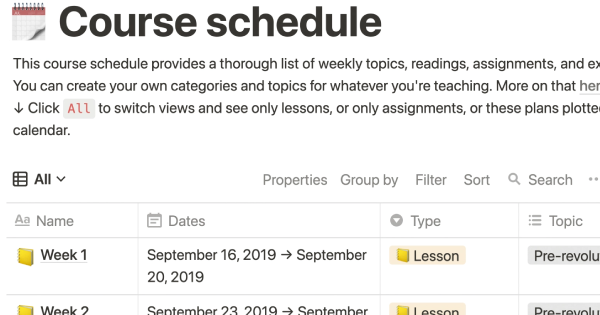
The following course schedule includes a comprehensive list of weekly topics, readings, assignments, and exams. This schedule allows you to create your own categories and topics for your own teaching purposes.
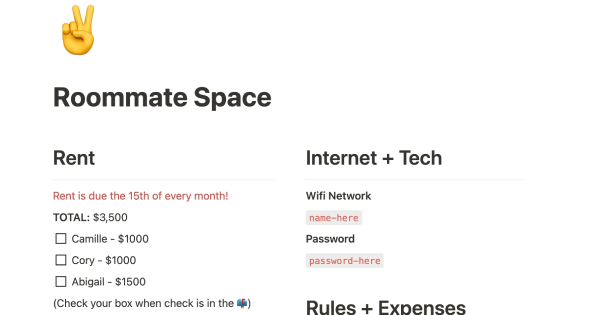
If you live with other people, this product can help you establish rules, track shared finances, ensure that everyone is happy with how the space is being used, and more. It's a convenient way to manage your home and maintain harmony among all residents.
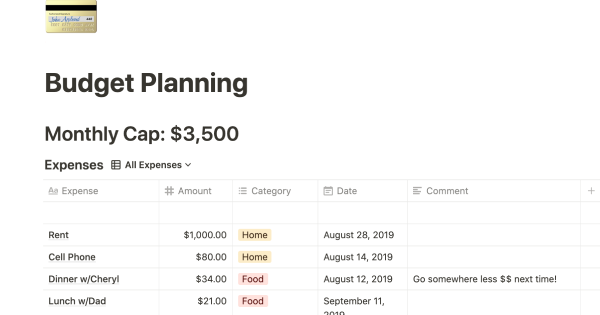
This product helps you track your spending and reach your financial goals. You can set a monthly budget and enter your expenses in the database. The filters allow you to view your expenses in different ways, such as by category or by month. You can also view your expenses on a calendar or in a Kanban-style board, broken down by category. This can give you a better understanding of your spending habits and help you make more informed financial decisions.
Related templates
Former Netflix VP of Product Management Gibson Biddle recommends using three simple tools to define an enduring brand. By combining these tools in one template, you can easily begin creating the story behind your company. This template provides all the necessary resources to get started.

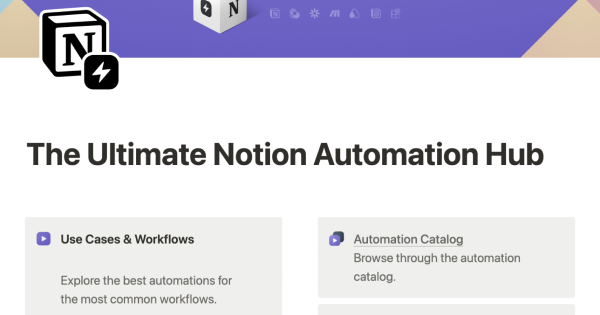
This resource is designed for the Notion community and provides pre-built automations for common workflows. Building automations requires some skill, but figuring out what to automate can be challenging. The Notion Automation Hub makes it easy to get started with automations by providing a variety of resources, including an automations datalog, database templates, learning resources, and a creator library. With just a few clicks, users can begin automating their workflows and saving time.

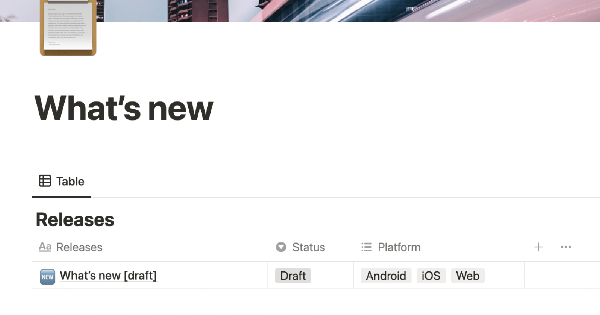
XYZ is a travel companion for navigating the streets and waters of Mumbai, India. This template is used to update users on new features and bug fixes. Streamline communication with users and build an archive of product releases by eliminating the CMS.

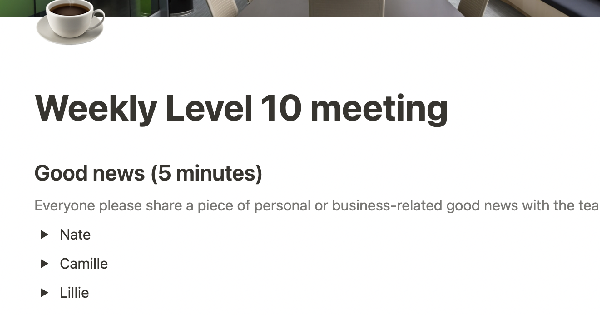
The Level 10 meeting is a weekly executive meeting that lasts 90 minutes and follows the same agenda each week. At the end of each meeting, participants quickly rate the meeting on a scale of 1 to 10. This template can help you stay on top of company goals and solve high-priority problems. Use it to run effective meetings that keep your team focused and moving forward.
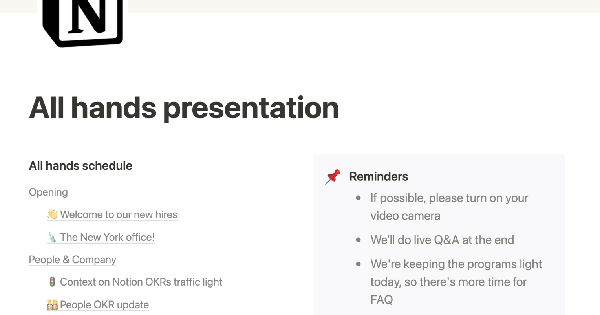
The Notion team regularly holds all-hands meetings to align on goals and celebrate successes. Rather than using traditional presentation tools like Powerpoint or Google Slides, the team uses Notion pages to create interactive, informative presentations. This allows them to easily link to other pages, embed multimedia content, and document the company's progress in a centralized location. Using Notion for these presentations helps the team stay organized and engaged, leading to more productive and effective meetings.
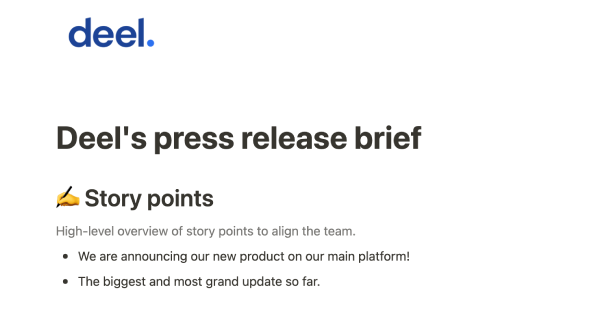
Deel has revolutionized the way companies hire, pay, and manage contractors and employees in more than 150 countries. They use Notion as a single source of truth for their entire company. The Comms team at Deel created this template to help them stay on top of tight PR deadlines and maintain clarity on what needs to be done.

To effectively integrate contractors into your team, provide them with the same resources and information as you would for a new internal team member. This may include access to brand guidelines, product training, details about internal processes, and context about the specific projects they will be working on. Using a central location, such as a template or wiki, can help ensure that contractors have all the necessary information and can work transparently with your team. This will enable both sides to collaborate effectively and produce their best work.
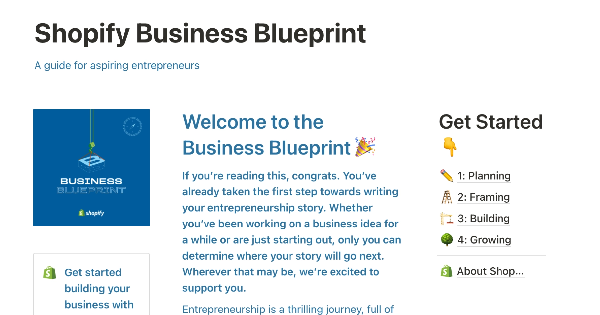
Starting a business can be challenging, and there's no one-size-fits-all manual that can guide you through the process. That's where the Shopify Business Blueprint comes in. This template is designed to provide you with the tools, skills, and knowledge you need to start your own business. It's filled with insights and exercises that are tailored to help early-stage entrepreneurs move from ideation to execution and beyond. By using this template, you can gain the knowledge and confidence you need to turn your business ideas into a reality.

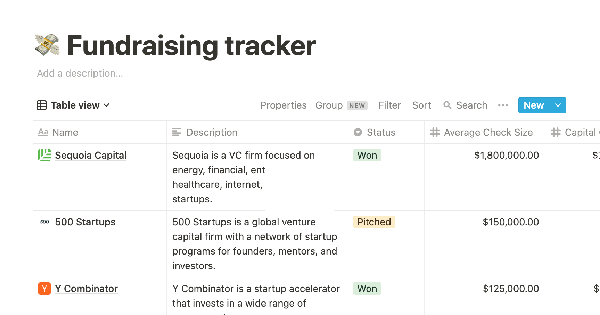
The "template" mentioned in the text is a tool that helps individuals keep track of their investor contacts and communication history. It allows users to store various types of data, such as average check size, emails, and warm contacts, in a single database. The template also provides the ability to view contacts by status, add notes and links to investor websites, and prepare for pitches. Using this template can help prevent common mistakes such as accidentally emailing an investor or showing up to a meeting unprepared. It can be thought of as a digital version of a planner or organizer for managing investor relationships.
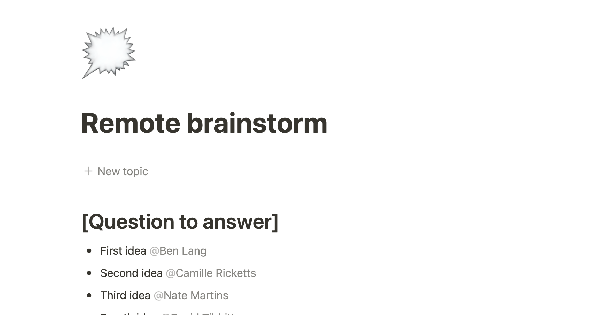
Use this template from another company to source ideas from your team even when you're not in the same room. Articulate a question you'd like to have answered. At the same time, people can add their bulleted ideas below that question and tag themselves.