
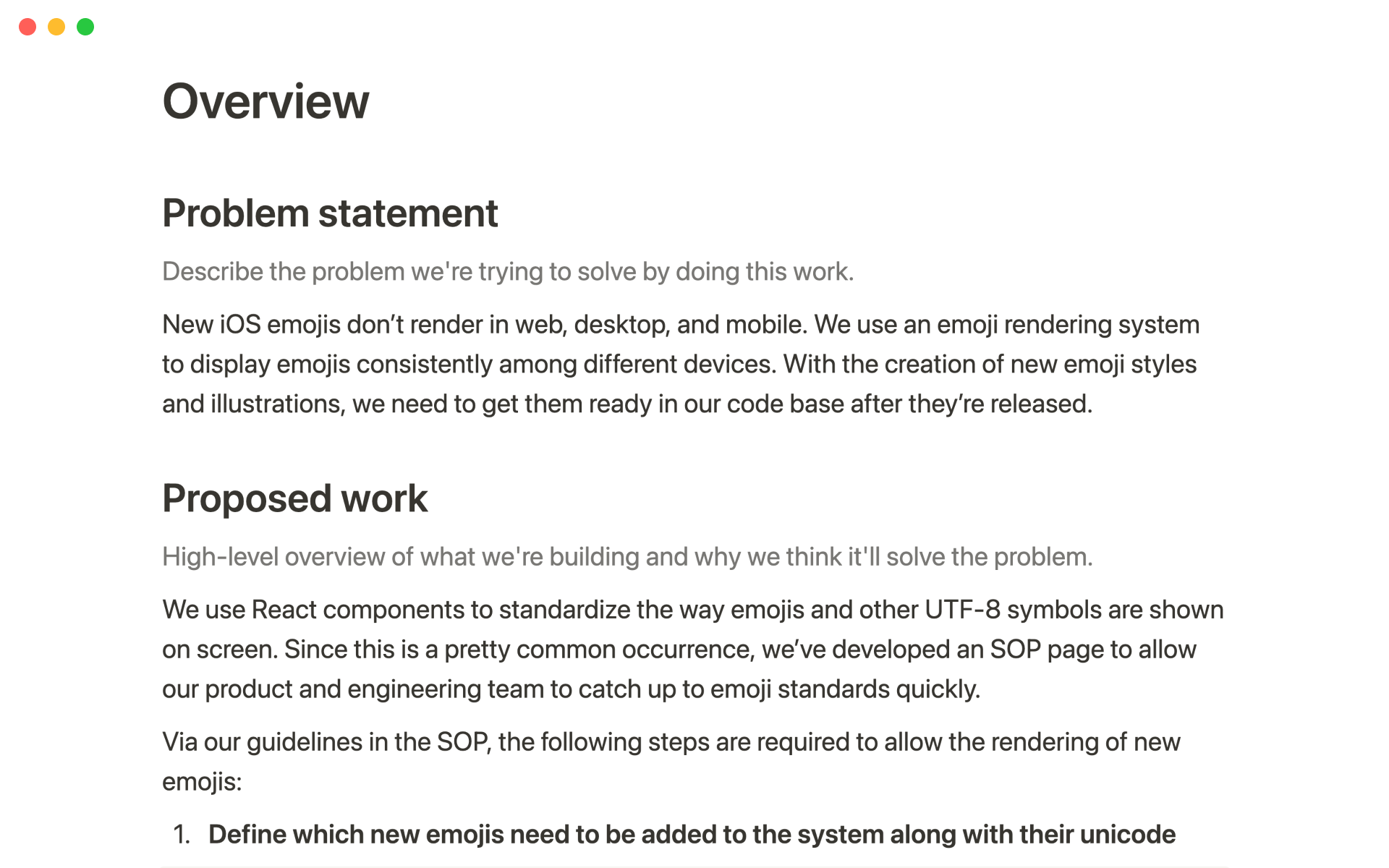
Branch's Engineering Roadmap


$
0
FREE
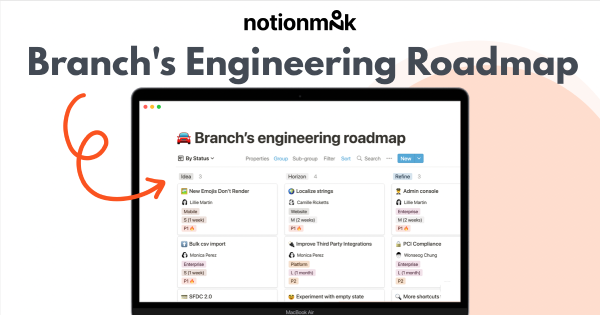
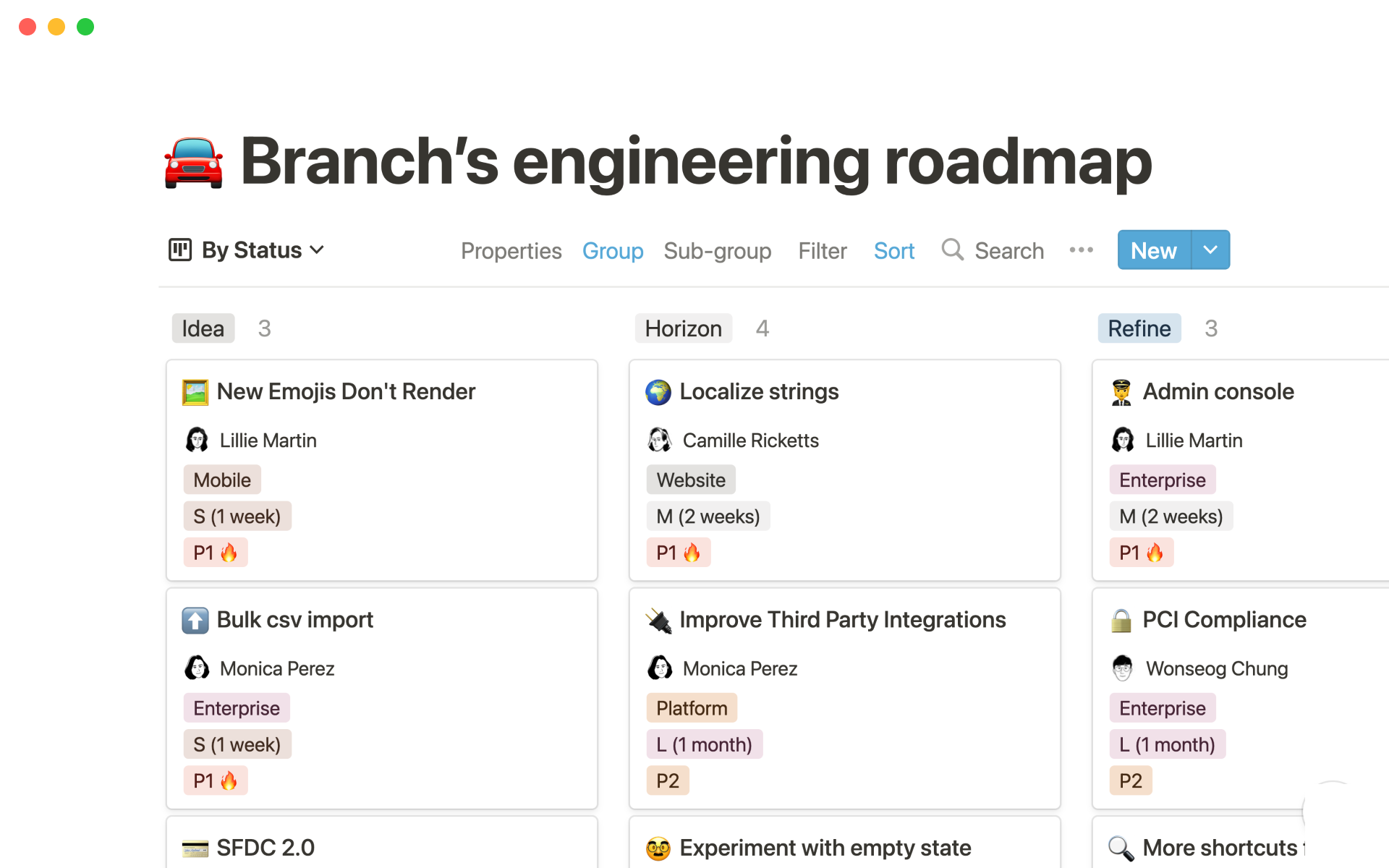
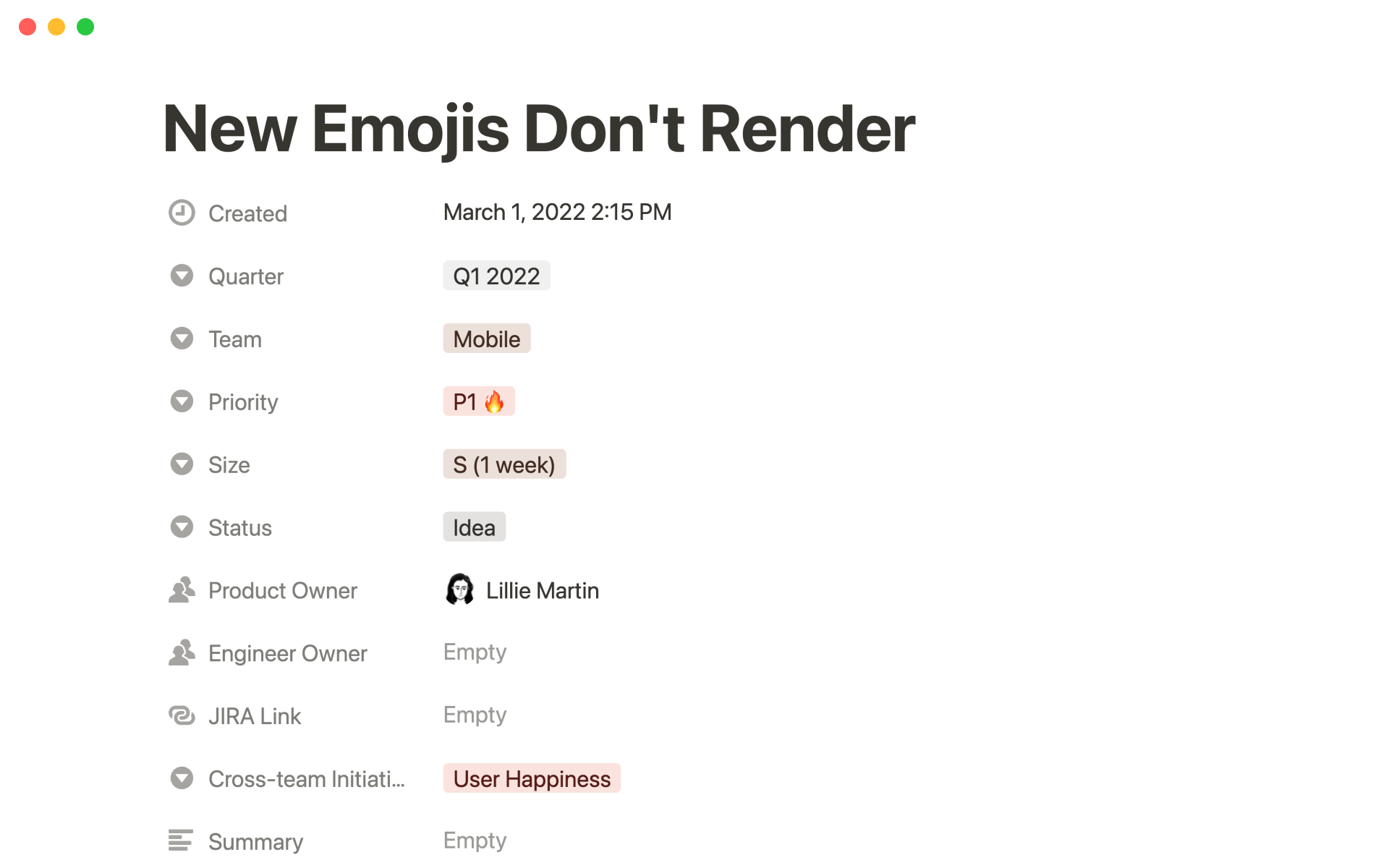
Branch uses an engineering roadmap template to improve team collaboration and keep all engineering projects organized in one place. This template allows all project work to be tracked alongside deadlines and updates, saving time and reducing the need to switch between tools. The template can be customized to suit the needs of each engineer and can be used to track initiatives and encourage cross-functional collaboration.

Details

Categories

More templates from
Branch
Branch uses an engineering roadmap template to improve team collaboration and keep all engineering projects organized in one place. This template allows all project work to be tracked alongside deadlines and updates, saving time and reducing the need to switch between tools. The template can be customized to suit the needs of each engineer and can be used to track initiatives and encourage cross-functional collaboration.
Related templates
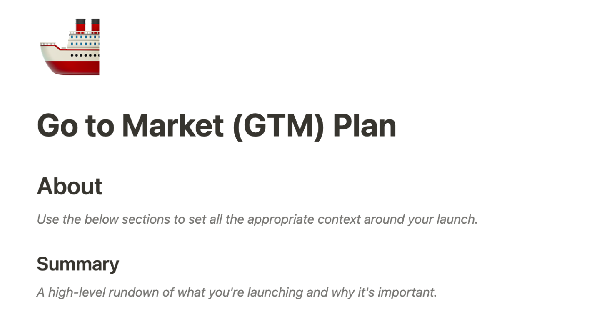
A go-to-market (GTM) plan is a crucial tool for aligning cross-functional teams around the many elements of bringing a product to users. With this plan in place, you and your team can plan and execute every part of your product launch in a single, centralized location. This ensures that everyone is working together towards the same goals and can help your product launch be as successful as possible.

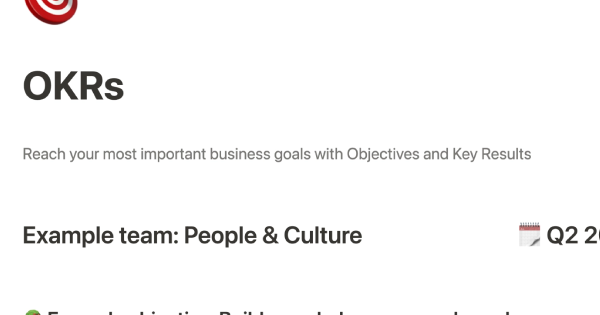
This template offers a simple way to set and track OKRs (Objectives and Key Results). By using this popular goal-setting method, you can set clear priorities for your team or organization. You can track progress by updating the Key Results, and share this information with others. The template includes an FAQ with helpful tips for setting OKRs and using the template effectively.

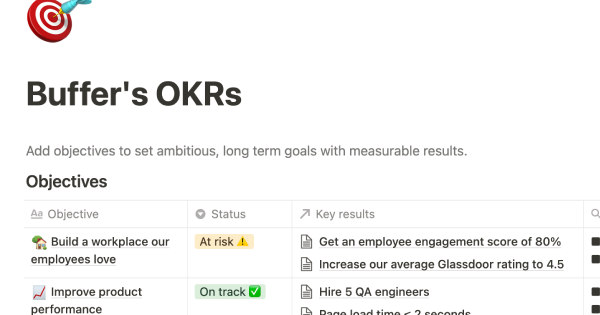
Buffer, a company with employees in 16 time zones, values transparency in its culture and operations. This approach guides how people work and collaborate within the organization. This Notion workspace template is based on Buffer's approach and can be used to make your company, team, and individual goals accessible to everyone. By adopting a transparent approach, you can promote collaboration and support your team's success.

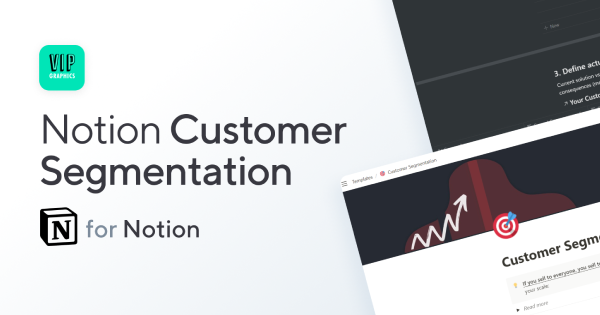
If you try to appeal to everyone, you may not effectively reach anyone. This Notion template can help you identify the best target audience to help your business grow.

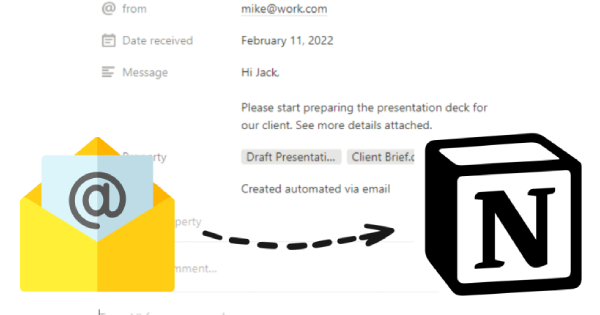
Introducing a new Notion template that allows you to seamlessly integrate your email with the platform. With this template, you can save your emails to Notion, easily tag and organize them, and manage them all in one place.

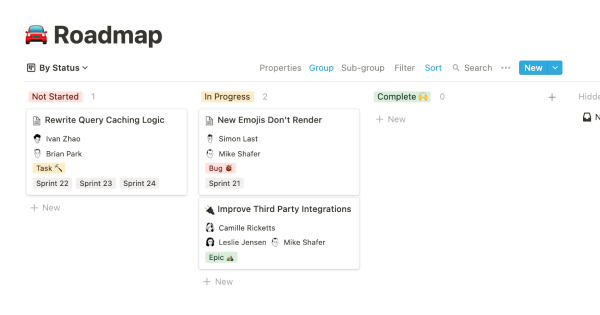
To keep track of your project work, try using this template. It allows you to organize your projects into epics, sprints, tasks, and bugs. You can view the database from different angles to see the status of projects, who is working on them, and which product managers are responsible for them. The template also includes pre-made templates for each type of task, which you can customize and add to as needed. Additionally, you can add custom properties to track important information relevant to your projects.
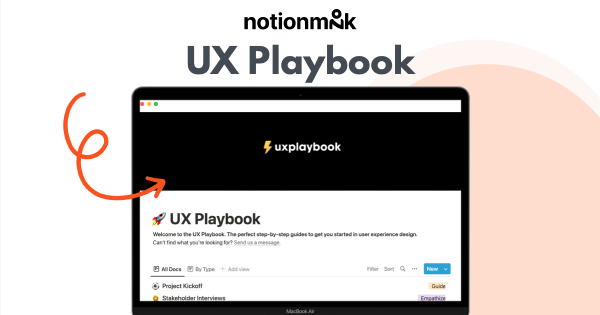
This product offers clear steps and ready-to-use templates to improve the user experience (UX) design process. The templates include a Project Kickoff, Customer Journey Map, and Concept Testing, among others, and are designed to help optimize workflow. The solutions offered can be applied to any UX project.

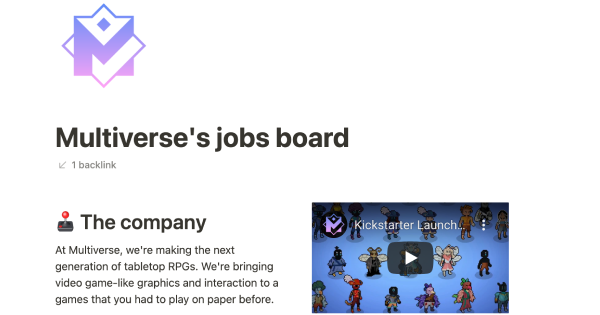
Multiverse is changing the way people play tabletop role-playing games. As a startup, they use Notion to host their public jobs board for easy editing and maintenance. Use their template to host your own job openings, and free up time and energy for your developers to focus on building your core product. This template is a great way to streamline your hiring process and make it easier to find the right candidates for your team.

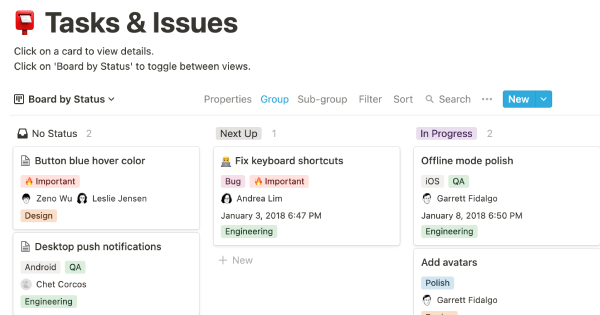
You can use this template to manage projects and issues for your whole team. Every member of your team can create new tasks, view the tasks they are assigned to, and track progress. Each card on the board can be opened into its own page to store research, notes, and even sub-tasks in the same place. You can also add tags to each card to designate department and priority, and add the people involved so that everyone knows what their colleagues are working on. This makes it easy to filter and find specific tasks.
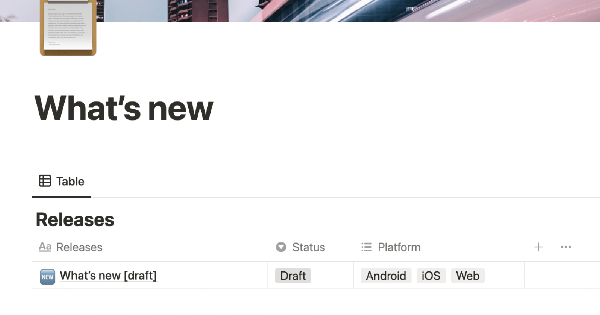
XYZ is a travel companion for navigating the streets and waters of Mumbai, India. This template is used to update users on new features and bug fixes. Streamline communication with users and build an archive of product releases by eliminating the CMS.