The Top 5 Notion To Do List Templates


To-do lists can be a very effective tool for staying organized and increasing productivity, but finding the right system for managing your tasks can be a challenge. That's where Notion comes in.
Notion is a powerful productivity and organization tool that allows you to create to-do lists, take notes, and manage projects all in one place. Here are some of the benefits of using Notion to manage your to-dos:
Customization: Notion allows you to create and customize your to-do lists in a way that works best for you. You can create separate lists for different areas of your life, such as work, personal, and household tasks, and customize the layout and appearance of your lists to suit your needs.
Collaboration: With Notion, you can share your to-do lists with others and work together on tasks in real-time. This can be especially helpful for team projects or tasks that require input from multiple people.
Integration: Notion integrates with a wide range of other tools and services, such as Google Calendar, Trello, and Evernote, allowing you to bring all of your tasks and project information into one place.
Multitasking: In addition to managing your to-dos, Notion allows you to take notes, create documents, and manage projects all in one place. This can help you stay organized and streamline your workflow, as you don't have to switch between multiple apps or tools to get things done.
Overall, using Notion to manage your to-do lists can help you stay organized, increase productivity, and stay on top of your tasks and projects. Whether you're working on a team or managing your own tasks, Notion can be a valuable tool for staying on track and getting things done.
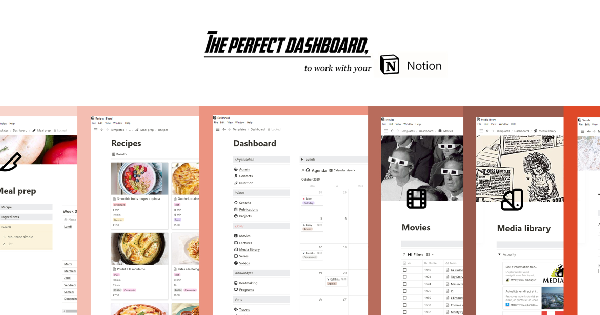
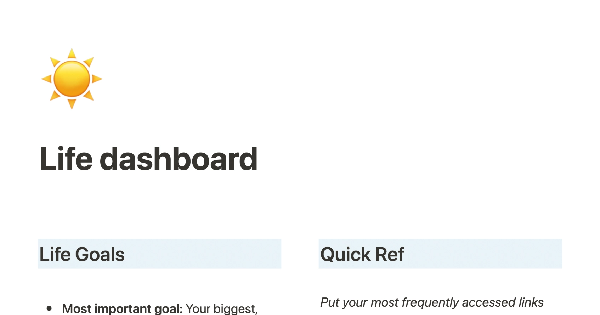
Check our top 5 to-do list Notion templates below:
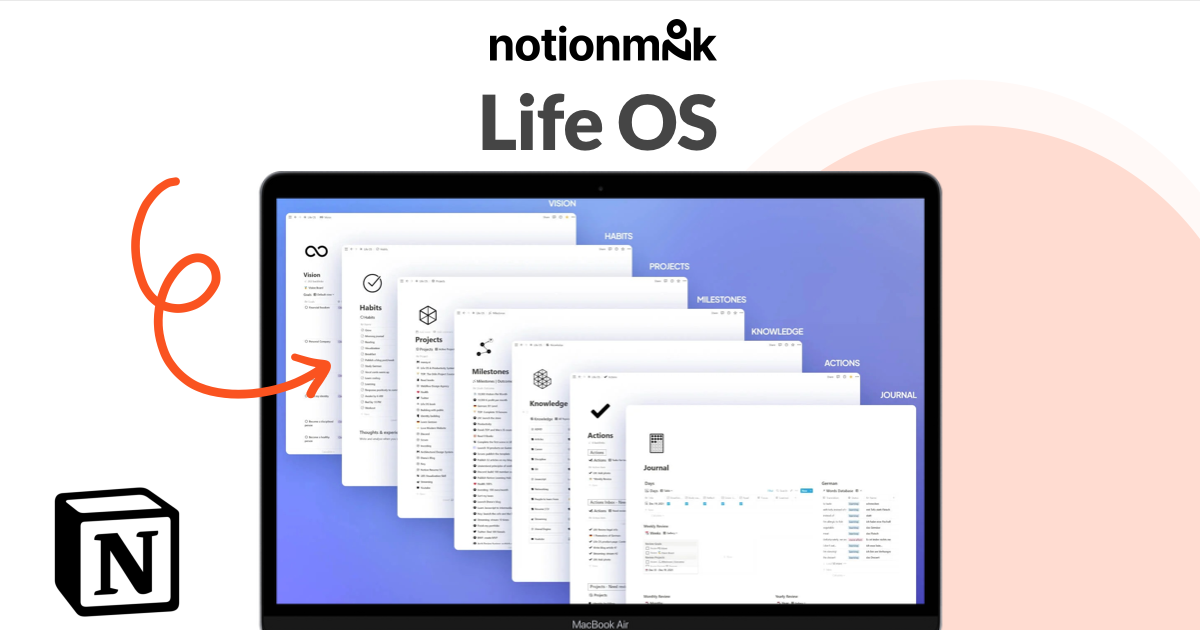
Life OS


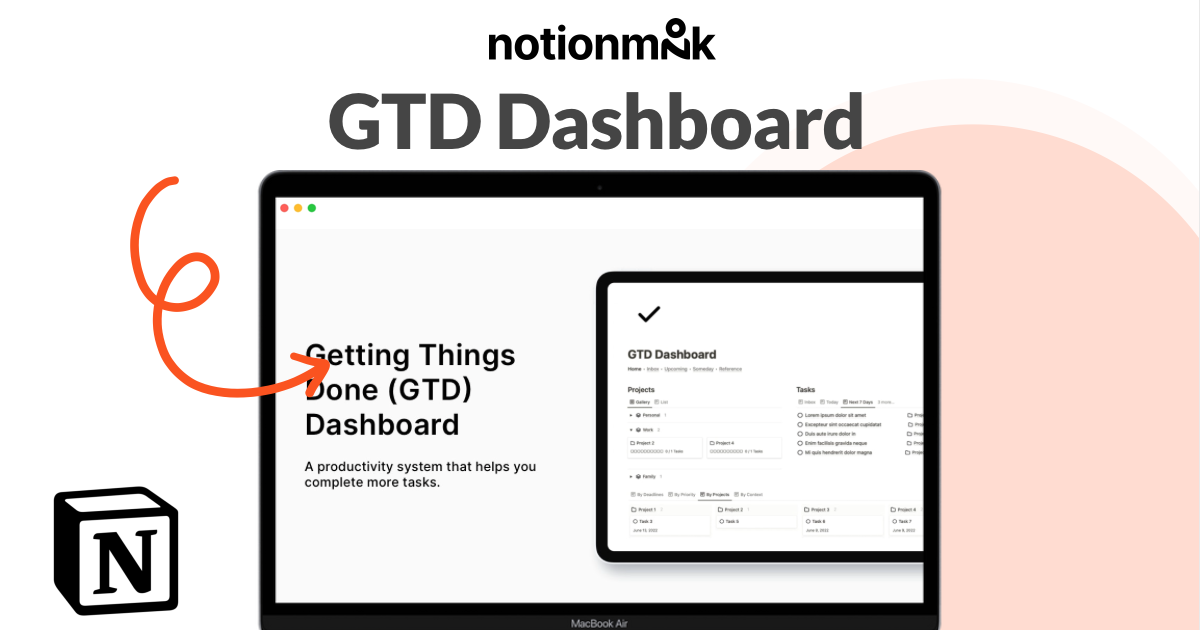
GTD dashboard

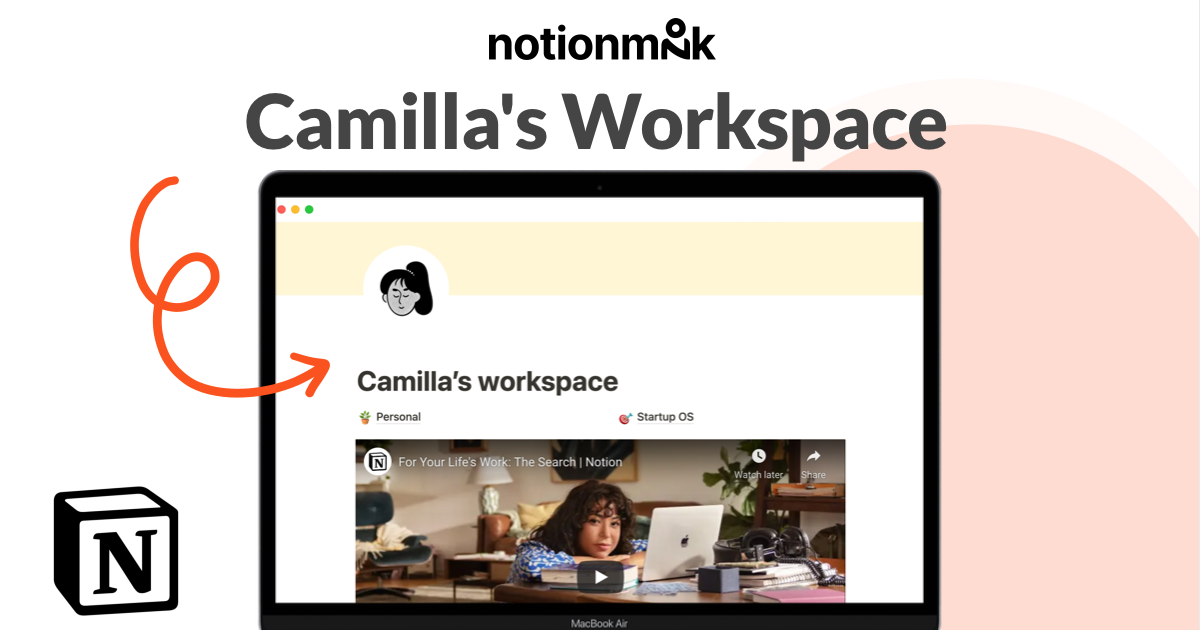
Camilla's workspace
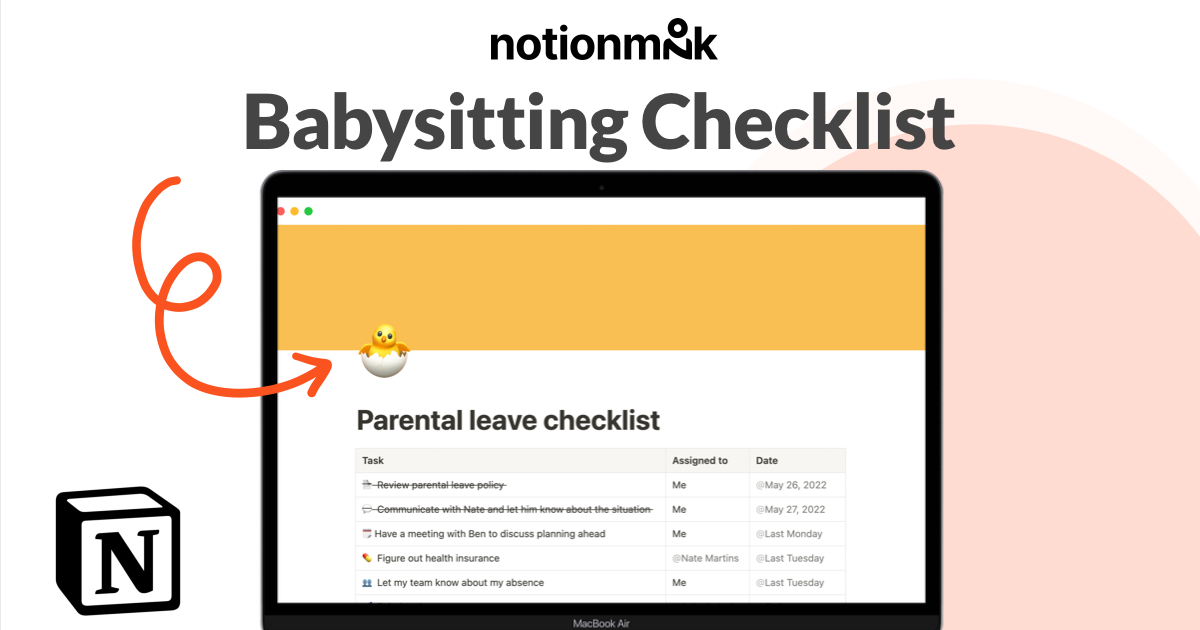
Babysitting checklist
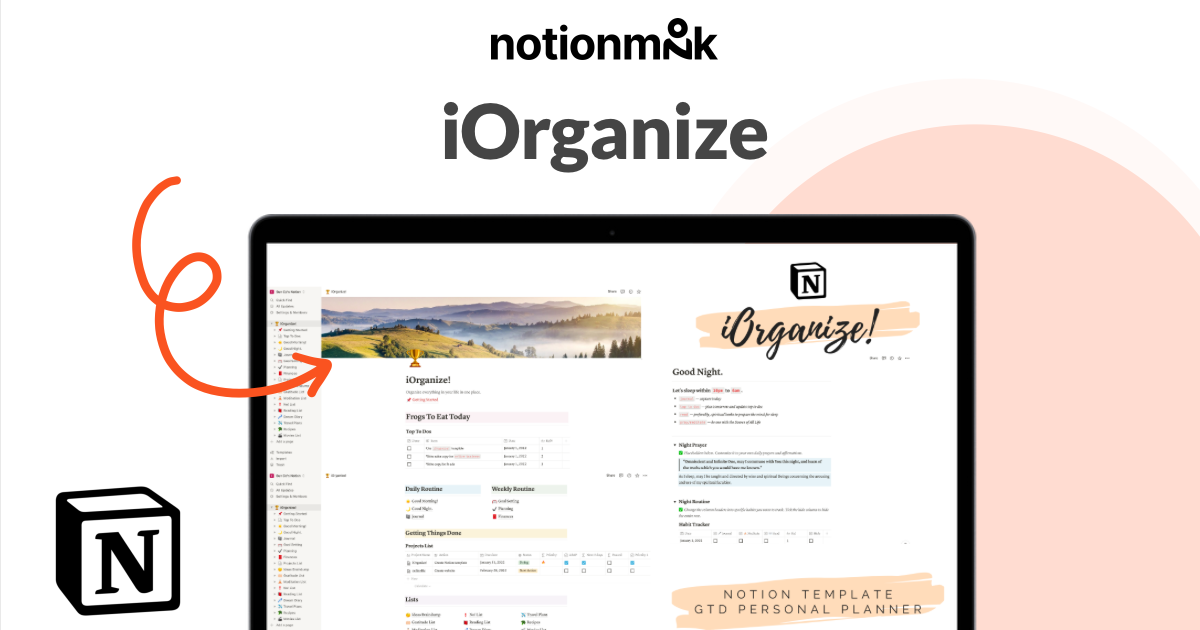
iOrganize